Manager - How to Approve or Reject Leaves
Last updated: April 17, 2026
TLDR 🍿
A Team Member Has Requested a Leave, How to Approve It
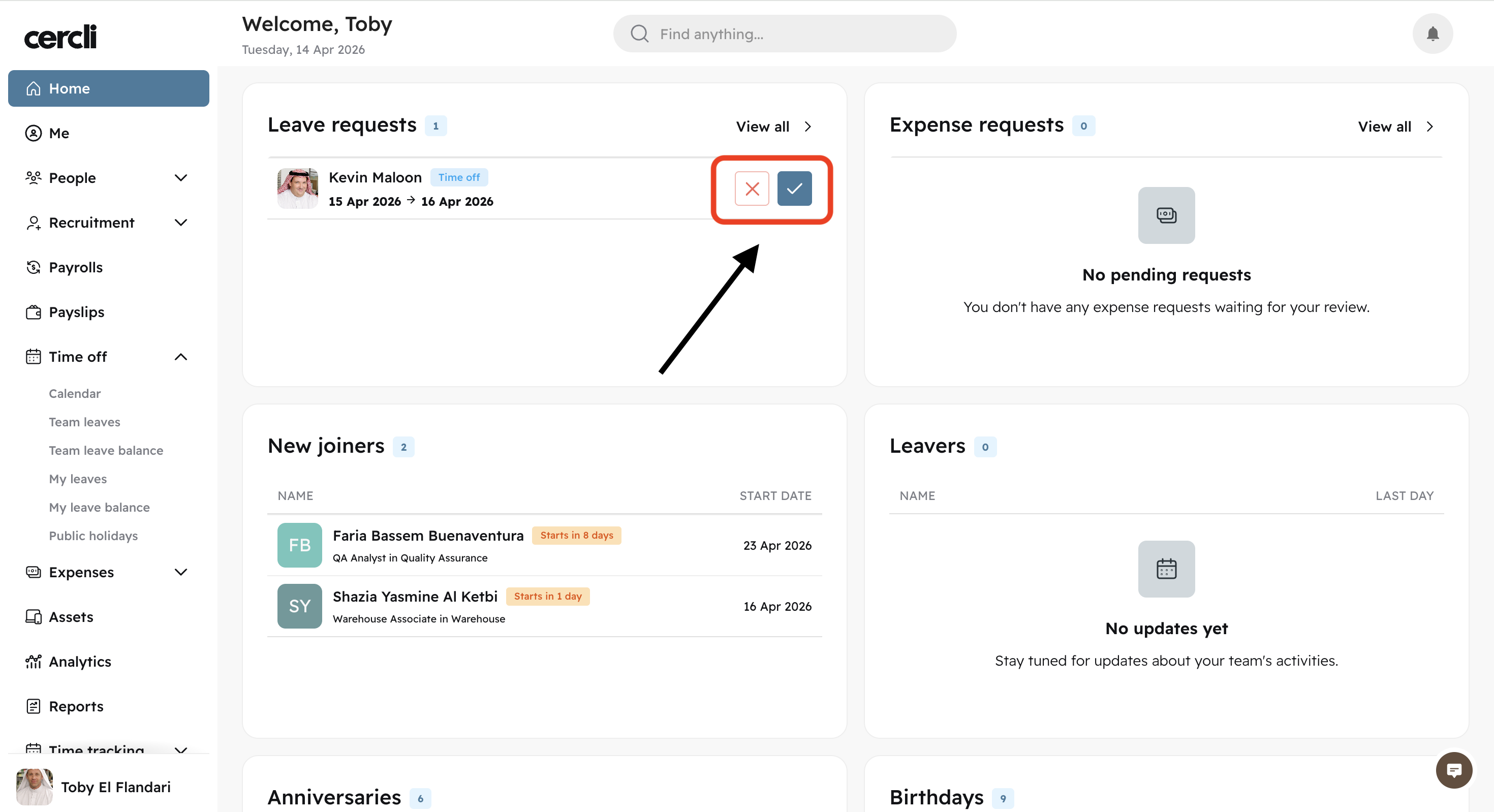
On your login dashboard, you will see the "Leave requests" box on the left center of the screen. You can click on the ✅ or ❌ directly to approve or reject respectively.
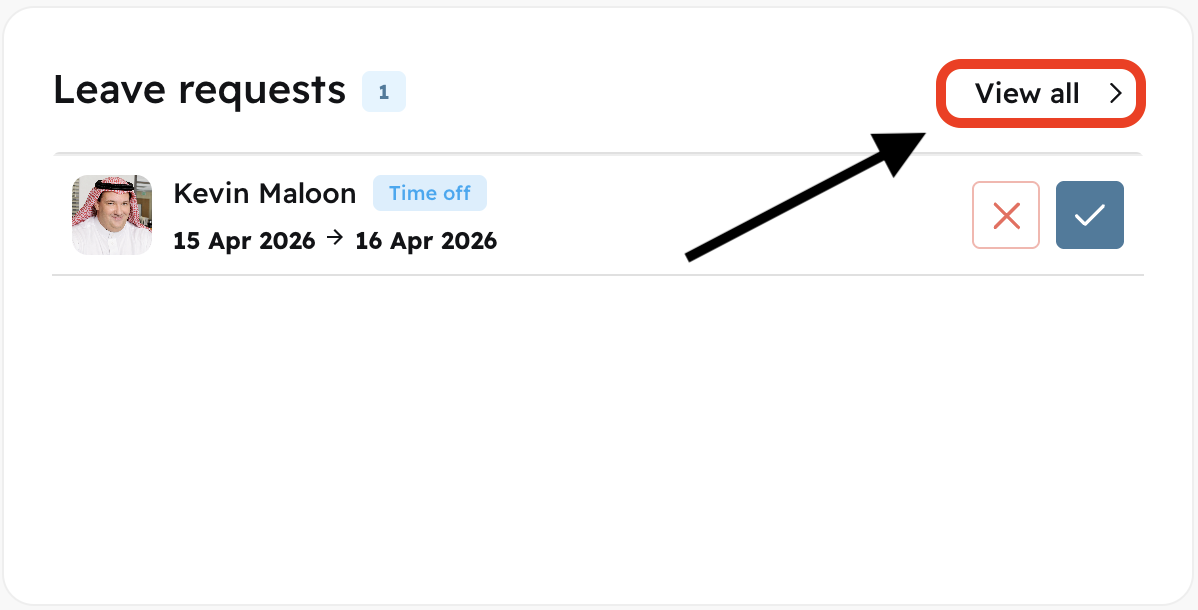
You can also click on "View all" and see all of the team members that have leaves pending, and approve or reject them from there.
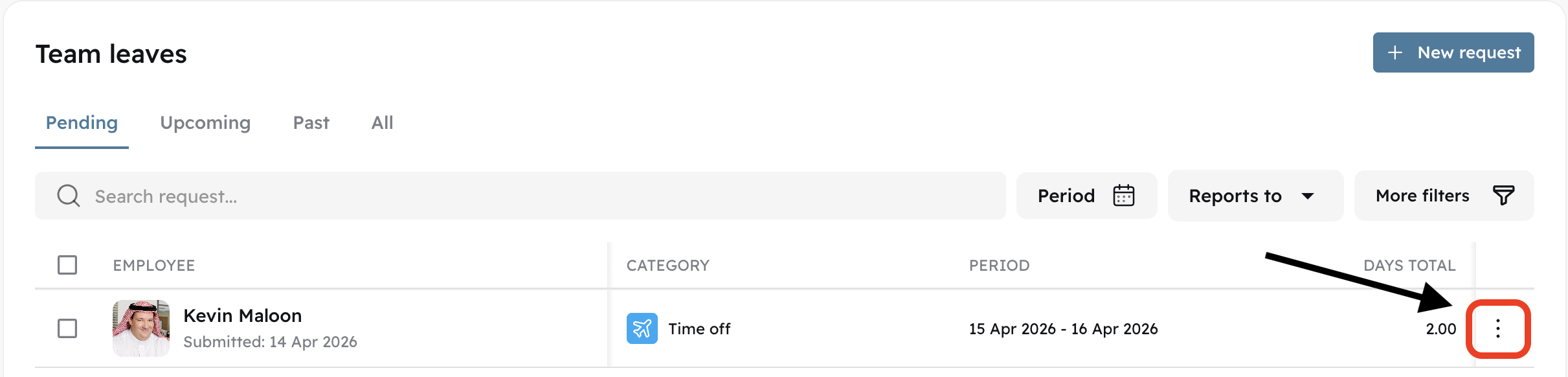
Click the three dots on the right hand side of the team member showing up on the Team leaves screen.
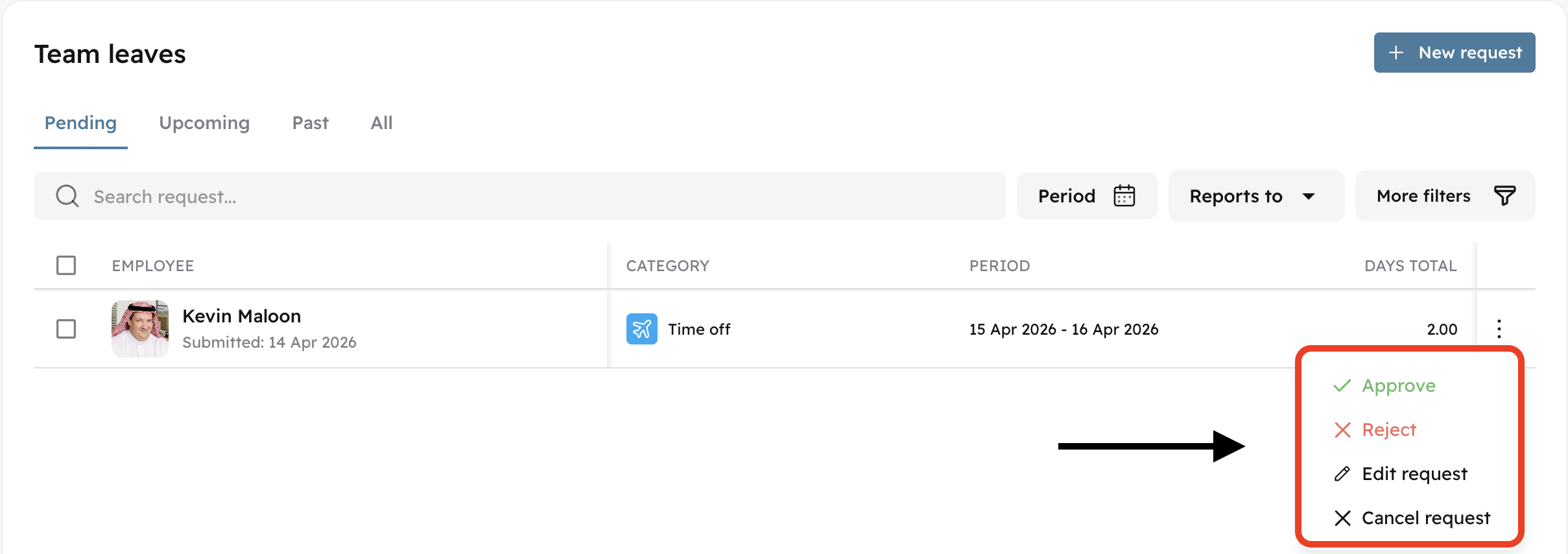
You can then approve, reject, edit request, or cancel request.