TM - Using Cercli's Slackbot for Time Off
Last updated: April 17, 2026
Overview
The Cercli Slackbot lets you submit time off requests, check your leave balances, and monitor request statuses directly in Slack - without needing to log in to the Cercli platform.
Note: The Slackbot must be enabled by your company's Cercli admin before you can use it.
Getting Started
Open Slack and search for Cercli in your workspace.
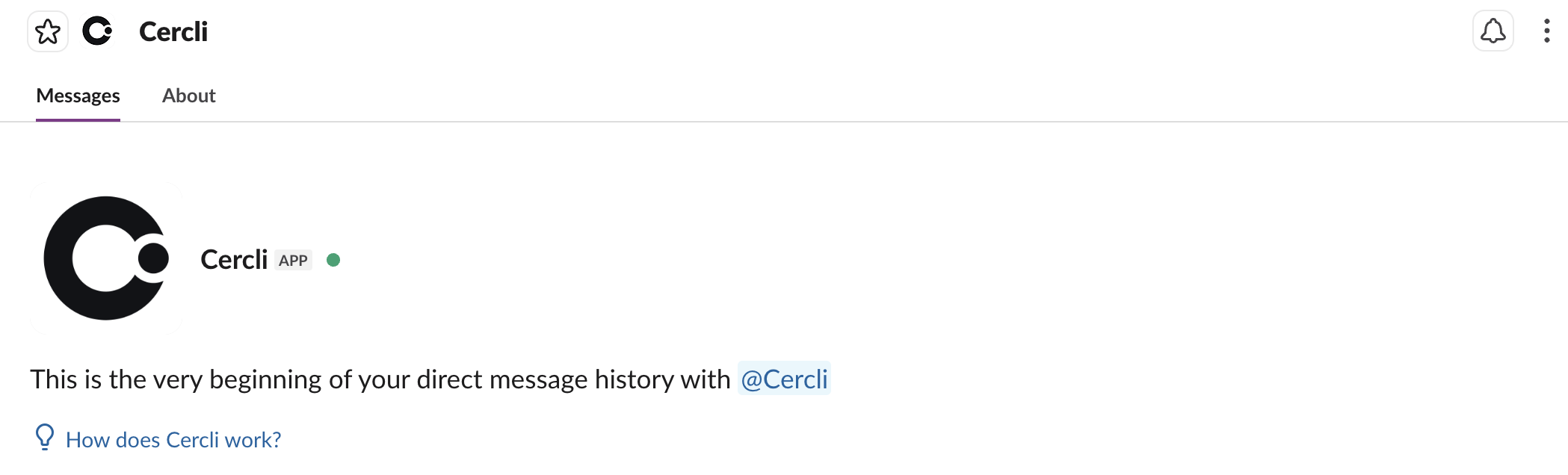
Open the Cercli direct message to access the Slackbot.
Type the command
/cercli timeoff helpand press Enter to display the full list of available commands.
Applying for Time Off
In the Cercli Slackbot DM, type the command:
/cercli timeoff requestA dialogue box will appear. Fill in the details of your time off request.
Click Submit to send the request to your direct manager for approval.
You will receive a confirmation message in the chat once the request has been submitted.
Note: You can cancel or edit a submitted request at any time, as long as it has not yet been approved or rejected.
Checking Request Status
To view the status of your time off requests, type the command:
/cercli timeoff status
From this view you can also manage pending requests:
Click Cancel request to withdraw a request that is still pending approval.
Click Edit request to make changes to a request that is still pending approval.
Viewing Your Leave Balances
To check your current leave balances across all leave categories, type the command:
/cercli timeoff show
Your balances will be displayed directly in the chat.
Seeing Who Is on Leave
To view who on your team is currently on leave, or to configure a scheduled daily notification, use the command:
/cercli help
This will display the configuration options for leave visibility notifications in Slack.
FAQ
Who reviews my time off request?
Your direct manager, as designated in the Cercli platform, is your time off approver.
Can I submit a retroactive time off request?
Yes. All time off should be logged — including past dates — to ensure your leave balances remain accurate.
What if I need to change my request?
Enter /cercli timeoff status to view your requests and click Edit to make changes. Requests can only be edited before they are approved or rejected.
Why can't I edit a request?
Requests that have already been approved cannot be edited. To change an approved future request, cancel it and submit a new one.
Why does my leave balance show as negative?
A negative balance means you have taken more time off than you have accrued under your company's leave policy.