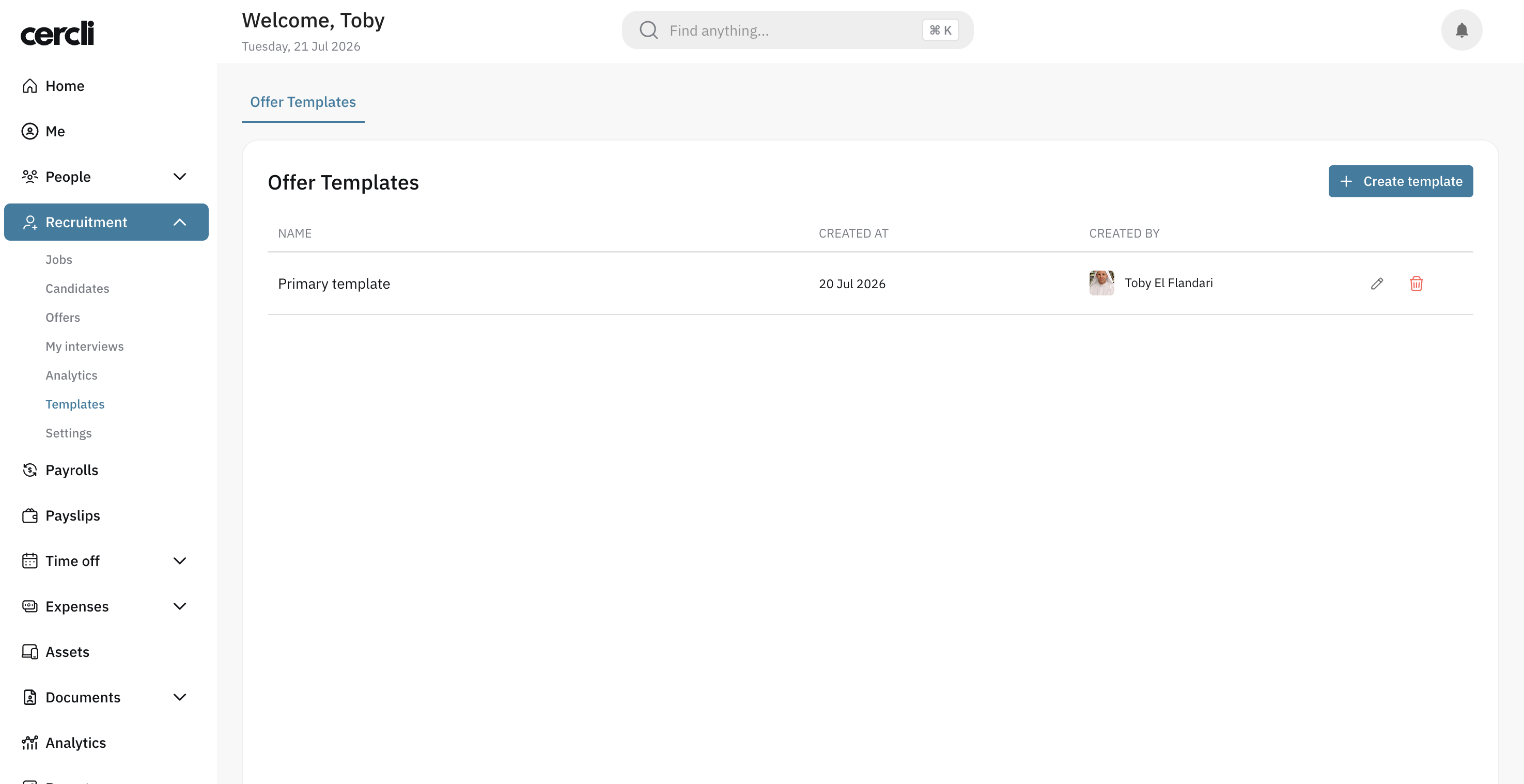
How to Create an Offer Template
Last updated: July 21, 2026
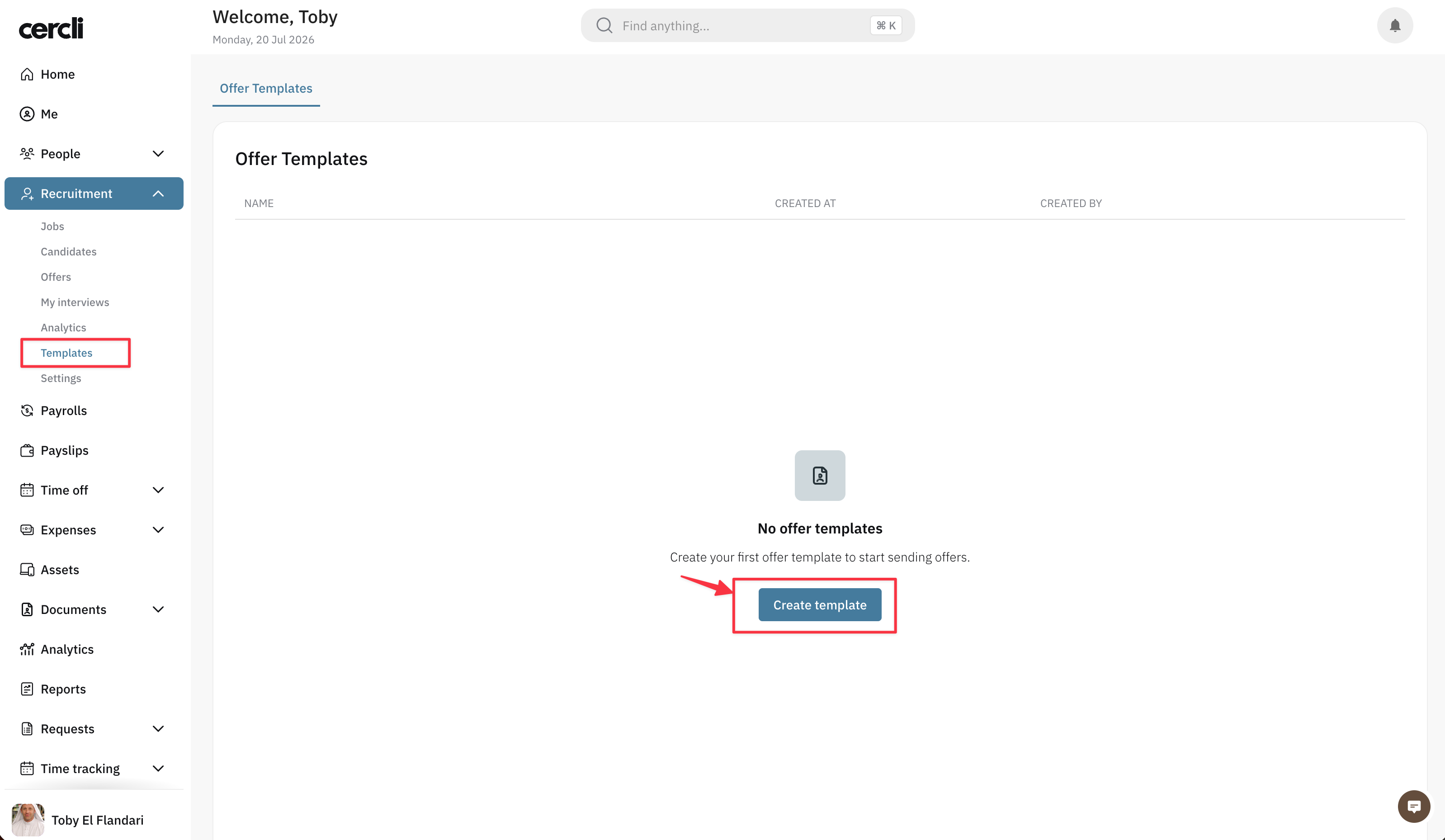
In the left navigation, go to Templates under the Recruitment module. Click Create Template and wait for the page to load.
Template Editor Overview
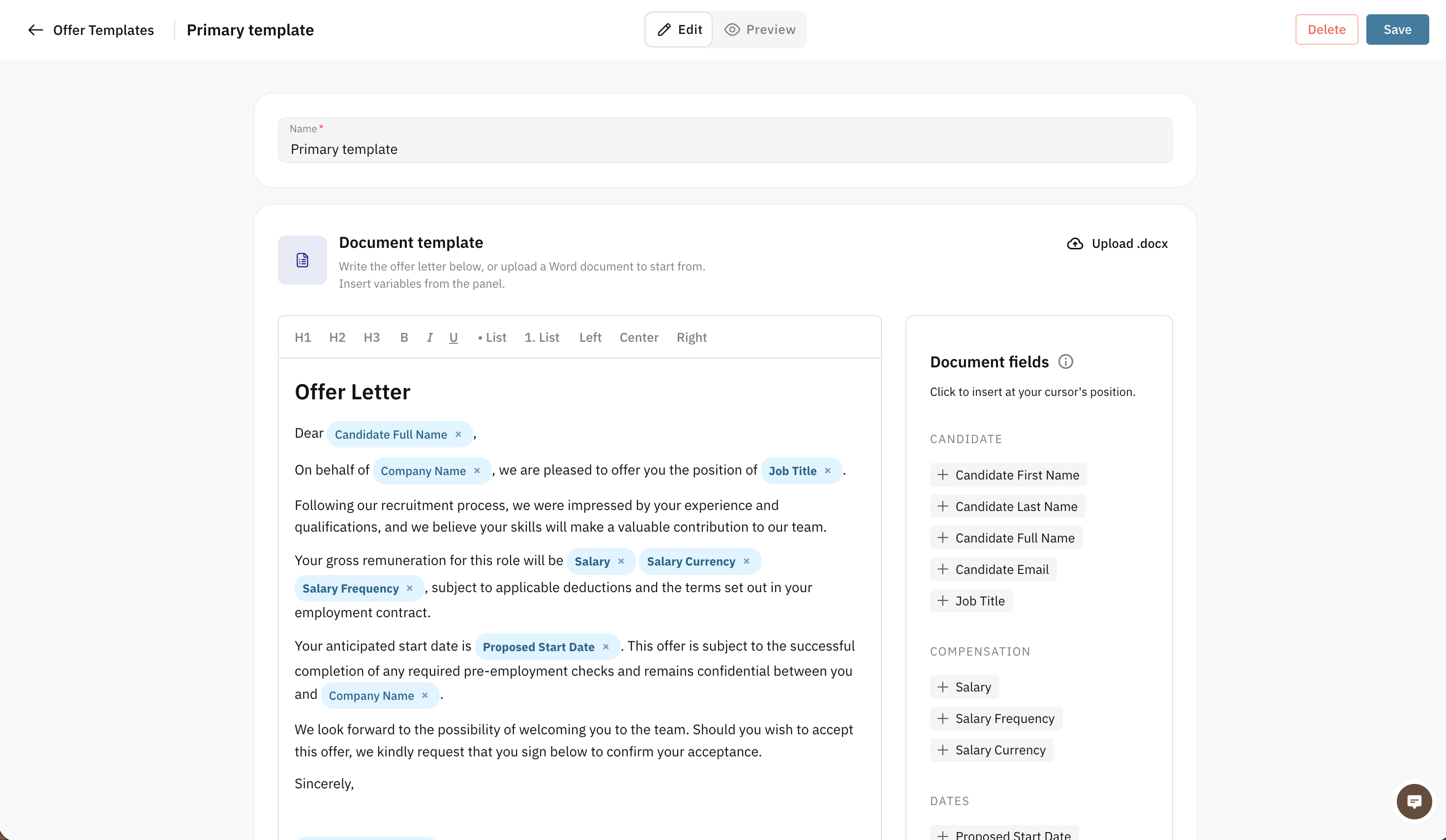
Once the page loads, you'll see the template editor, where you can:
Set the template name
Edit the template body text
Insert variables (merge fields) into the template
Format the text style
Upload your own template in .docx format
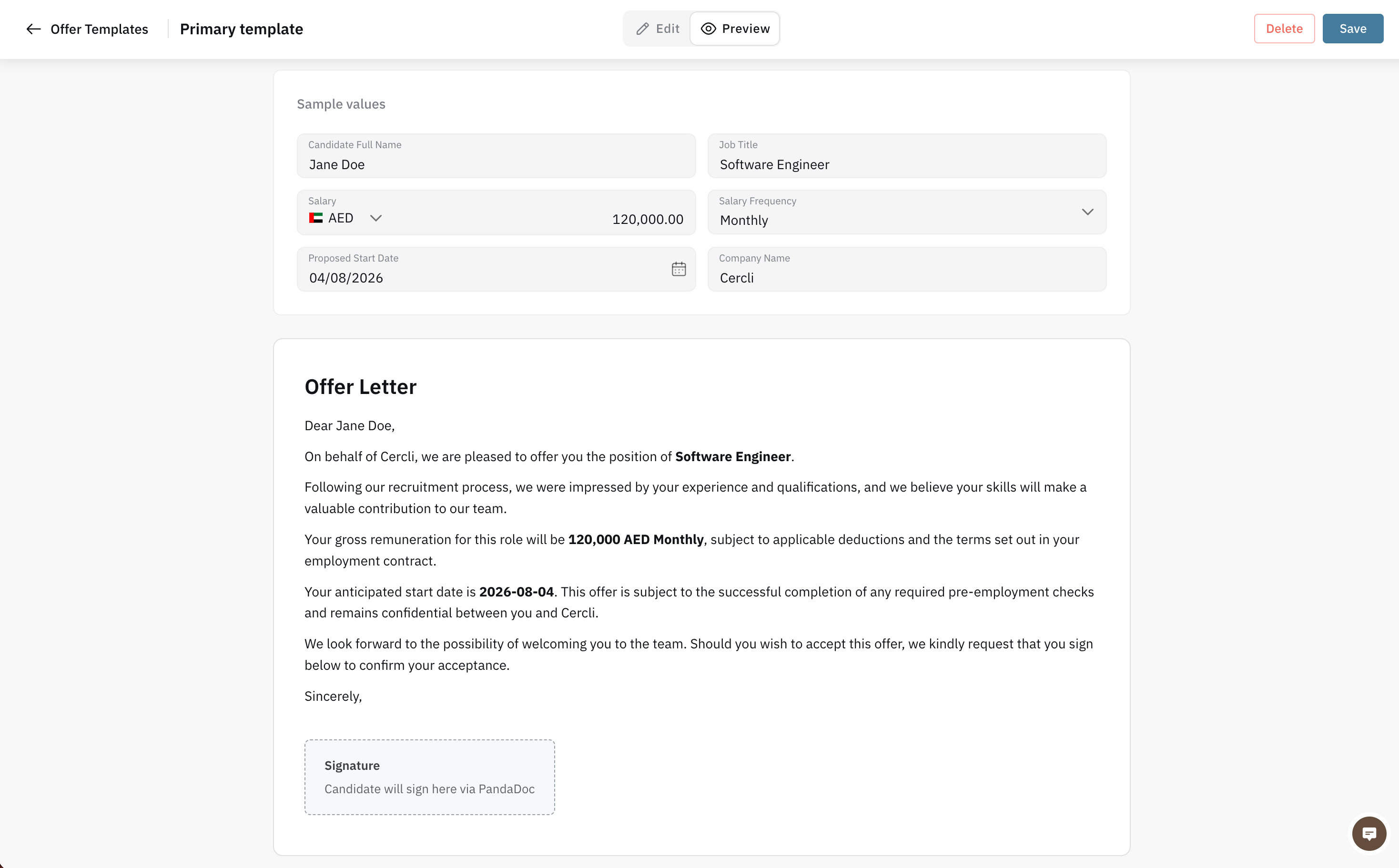
Preview the template, with the option to add sample values
Save or delete the template
How to Add Variables
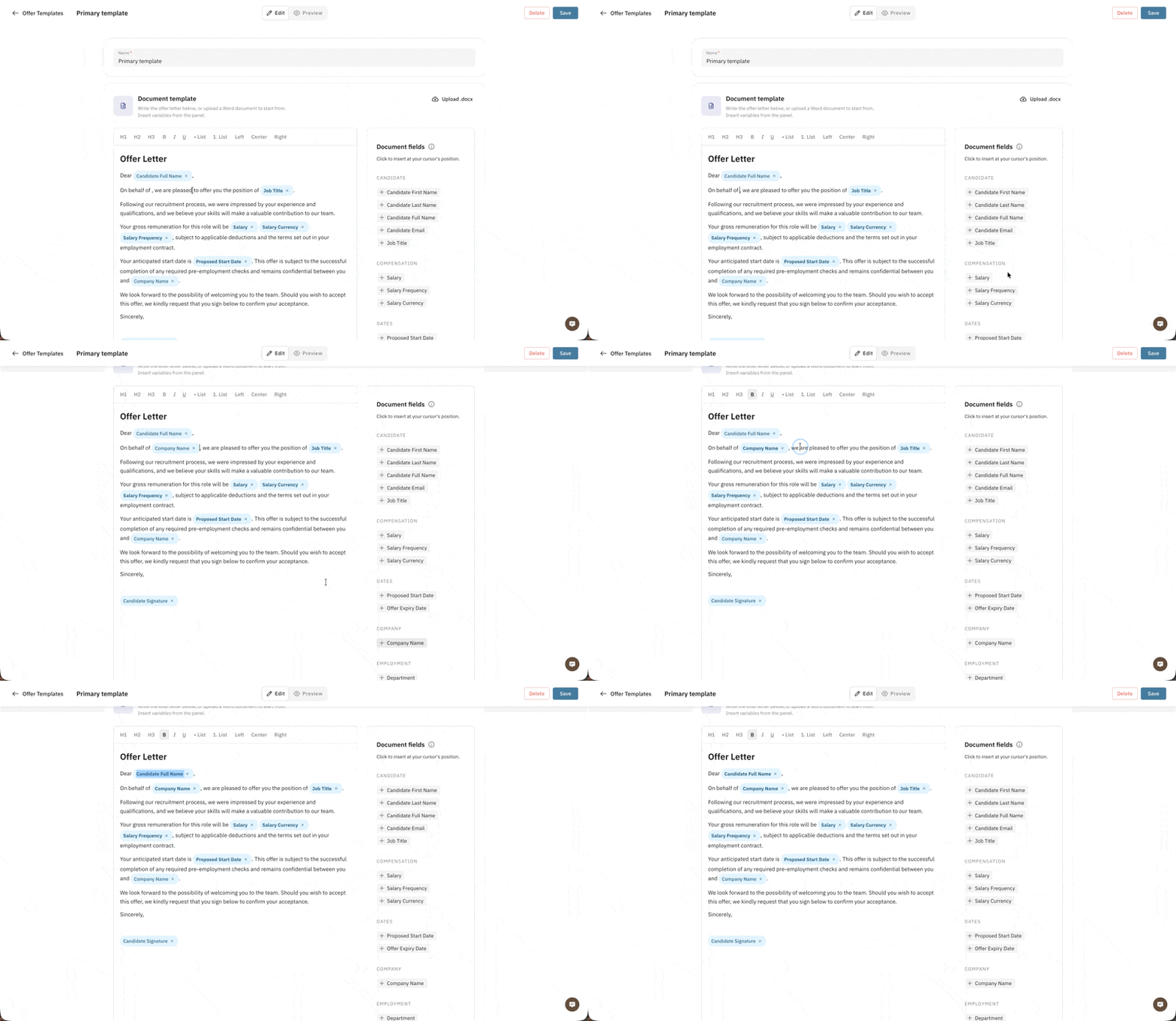
Variables are dynamic fields you can insert into the template — for example, candidate name, salary, or job title.
How to Upload Your Own Offer Template
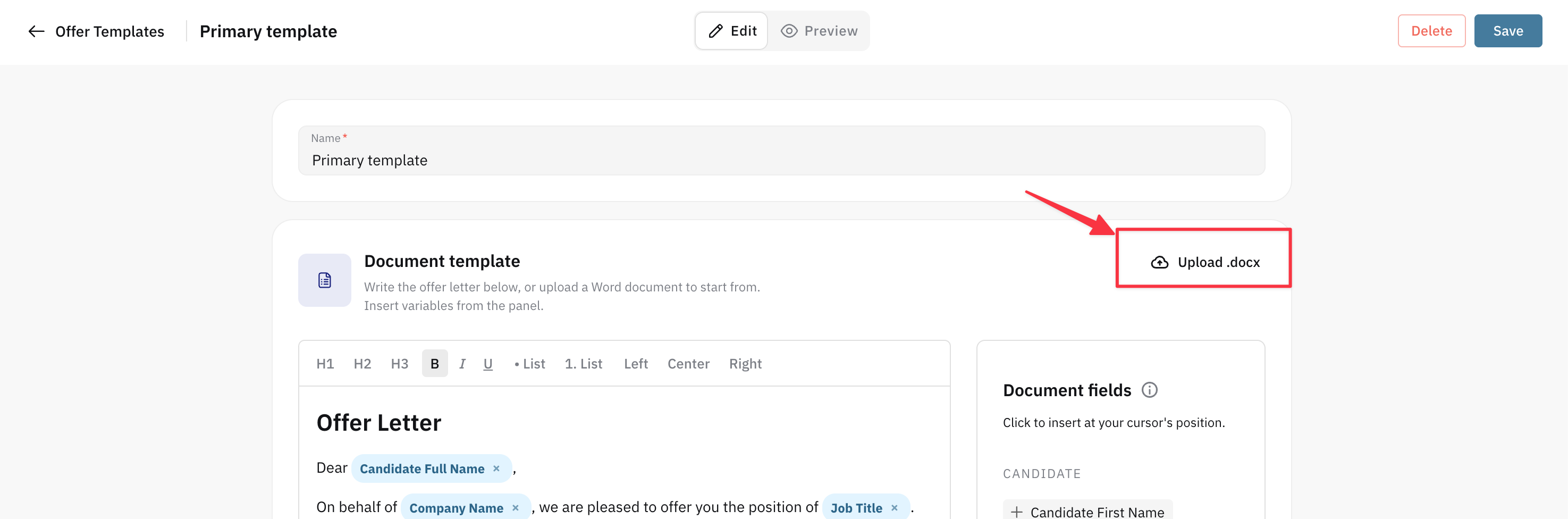
In the editor, you can upload your own template in .docx format.
Click Upload .docx and select the template file from your computer.
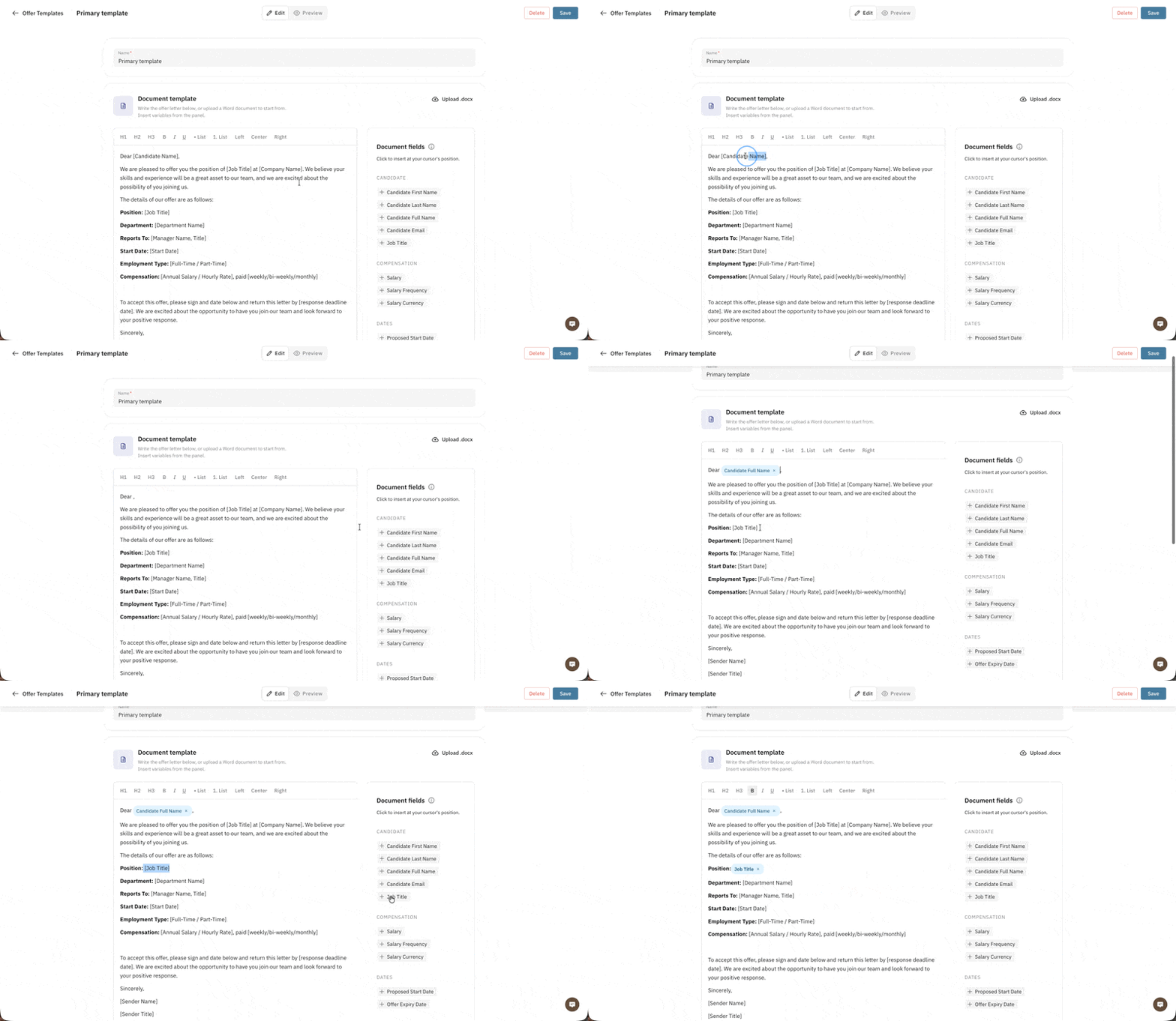
Once uploaded, replace the placeholder text in your template with the variables available in the editor.
Once you've finished editing the template, click Save. Once your template is saved and appear in the list, you're ready to create and send an offer.