Admin - How to Bulk Create New Hires
Last updated: April 24, 2026
This is only available if your Cercli Customer Manager has enabled it for you
TLDR 🍿
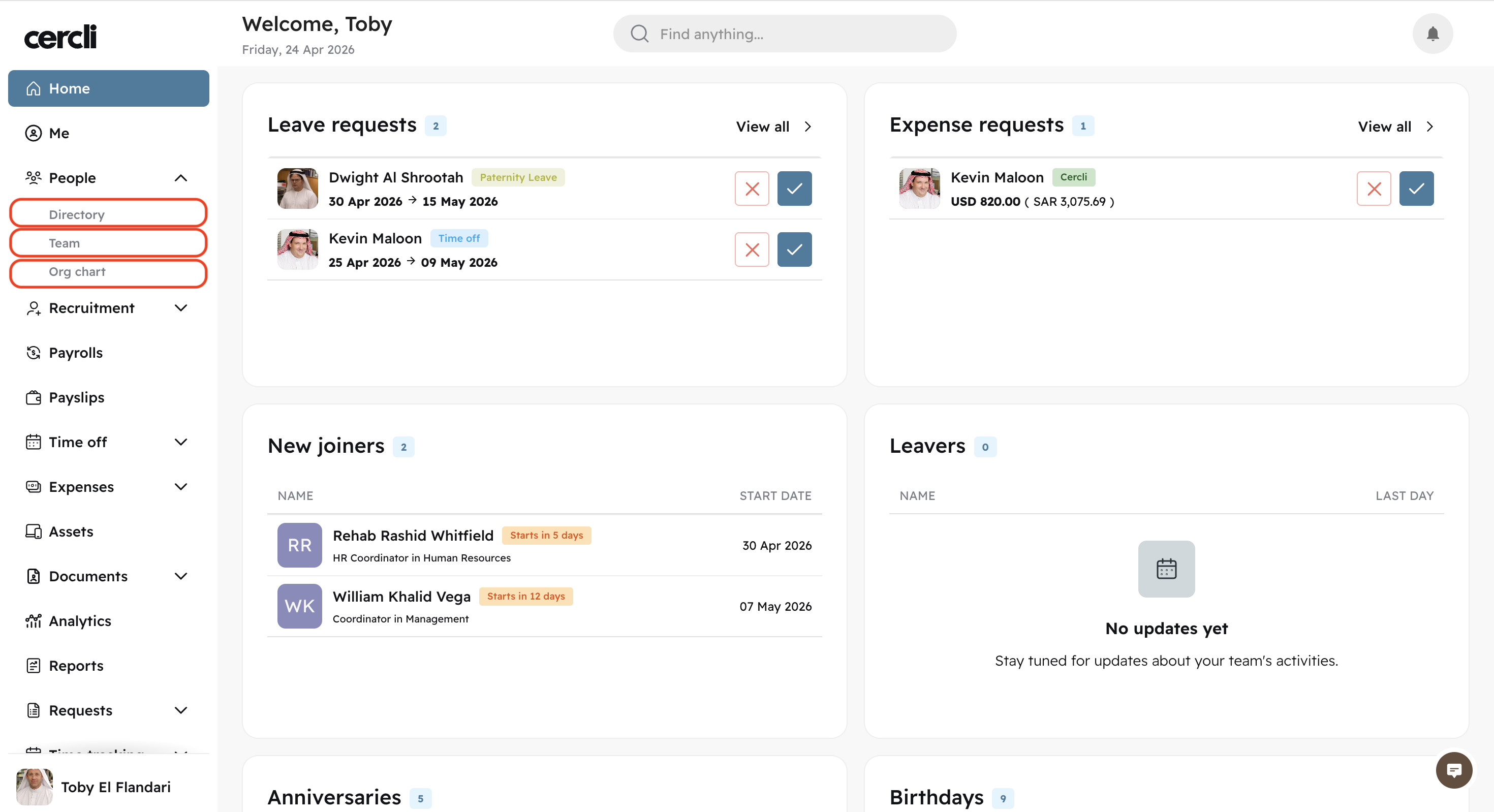
On the left navigation bar, go to People
Then select either of the three tabs: Directory, Team, Org chart
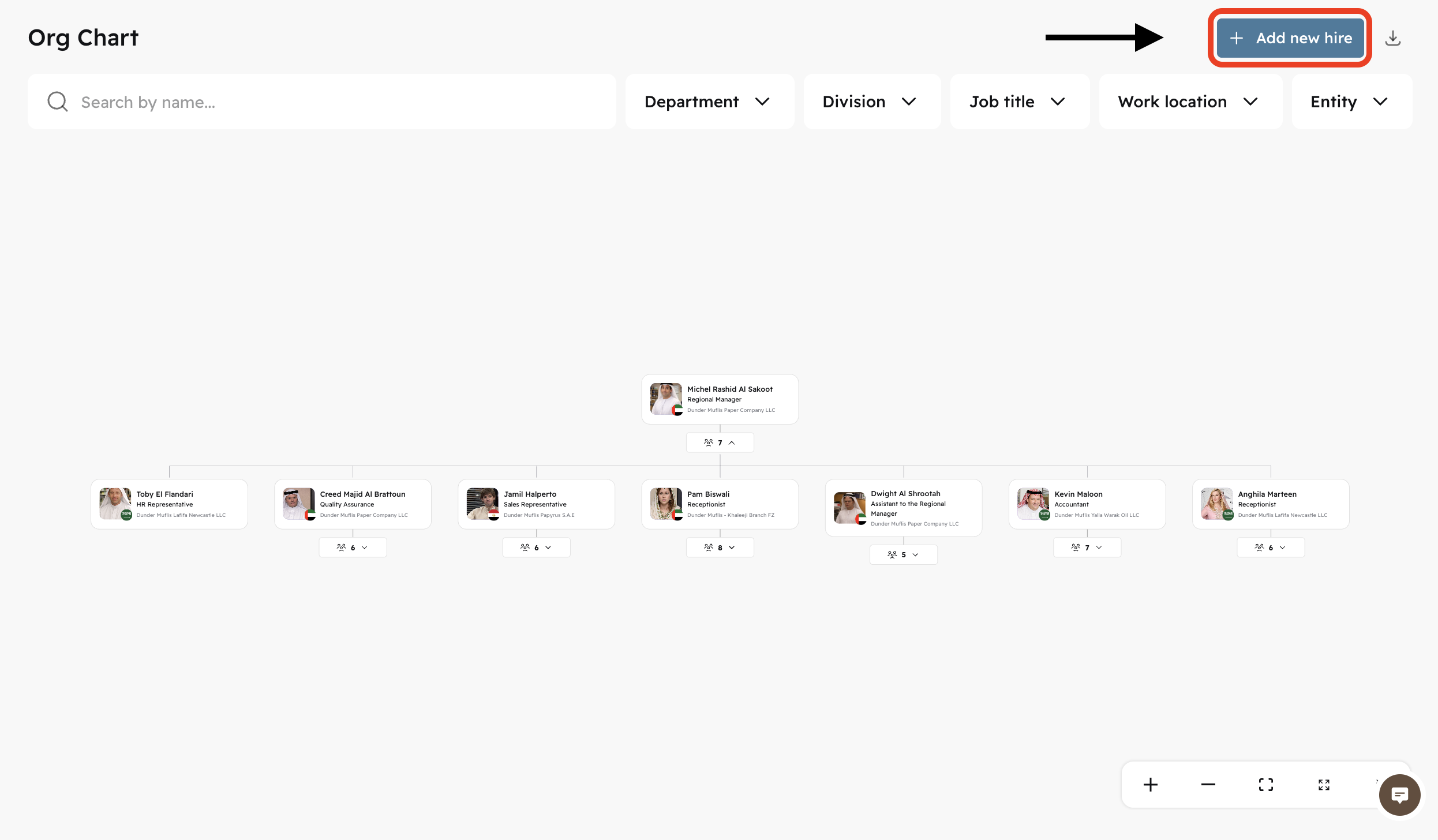
On the top right corner of either of the three tabs, click on + Add new hire
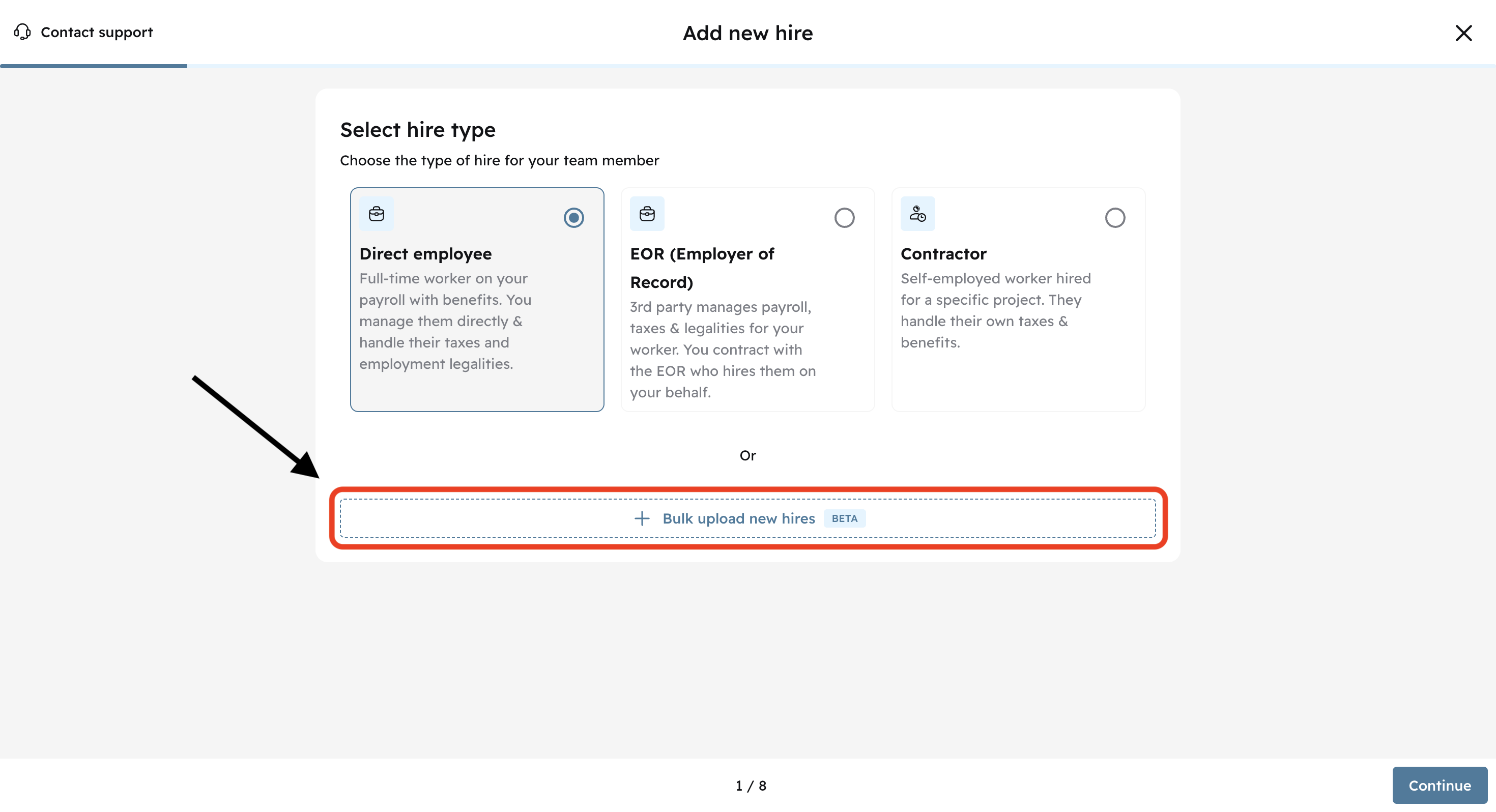
Click on + Bulk upload new hires instead of selecting a hire type and clicking on continue.
On the bulk upload page, click on the download icon next to the file named onboarding_template-xlsx
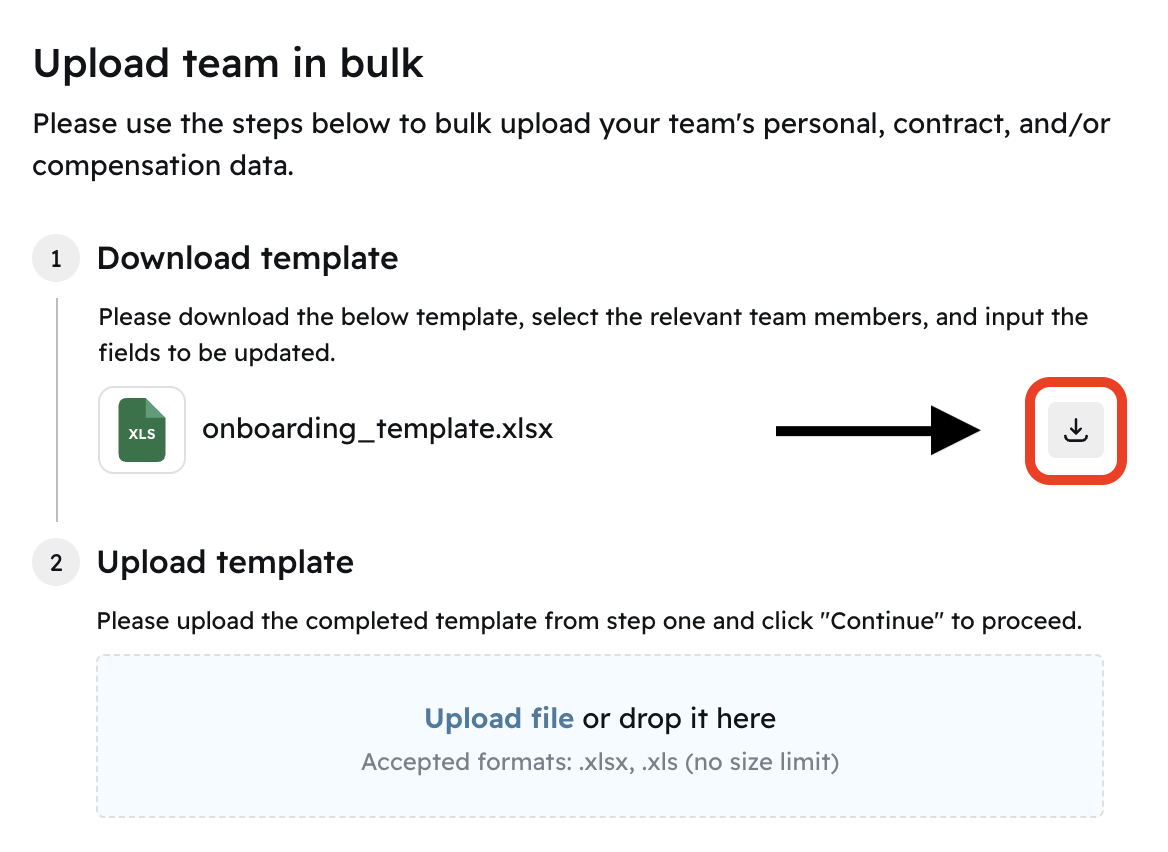
You will get an excel file named onboarding_template_260424 (with today's date)
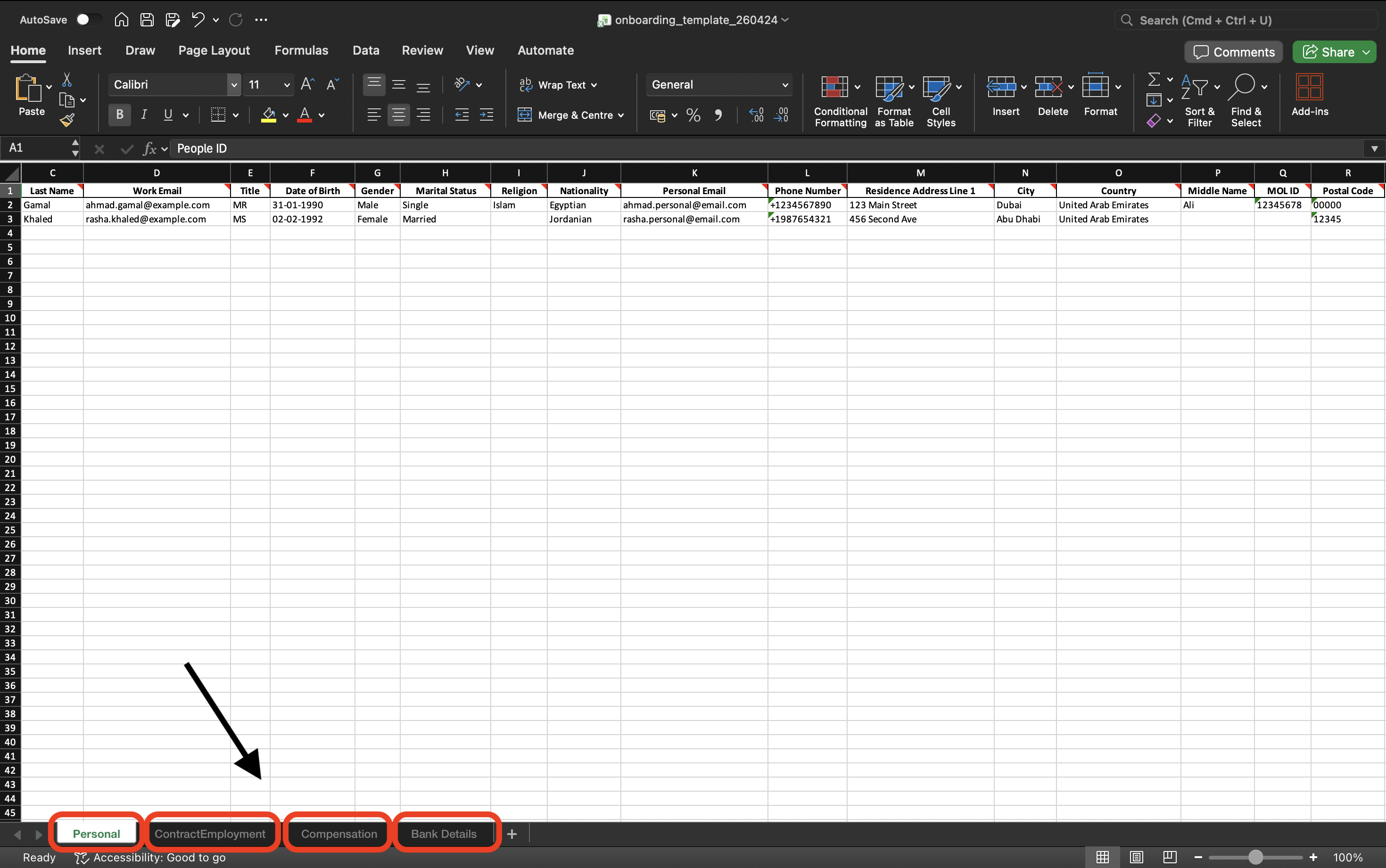
You will find there are 4 different tabs. Personal, ContractEmployment, Compensation, Bank Details
Each with 4 common fields in each tab (to make sure data is consistent on new hires).
People ID | First Name | Last Name | Work Email |