Admin - How Do I Bulk Update Team Member Information?
Last updated: April 23, 2026
TLDR 🍿
Where do I Go to Start a Bulk Update?
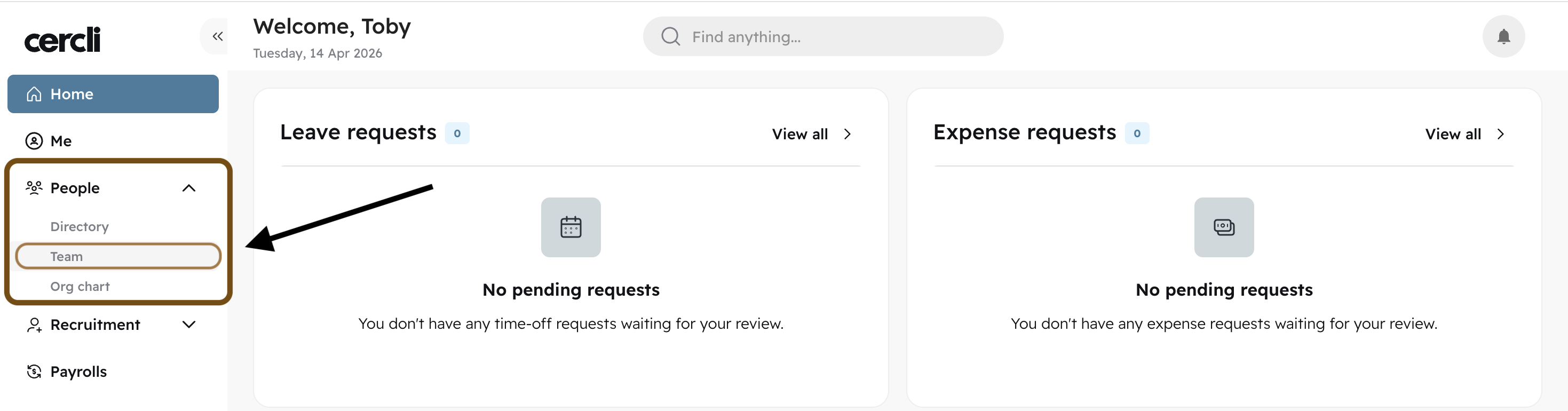
From your dashboard, find People and Team on your left navigation bar.
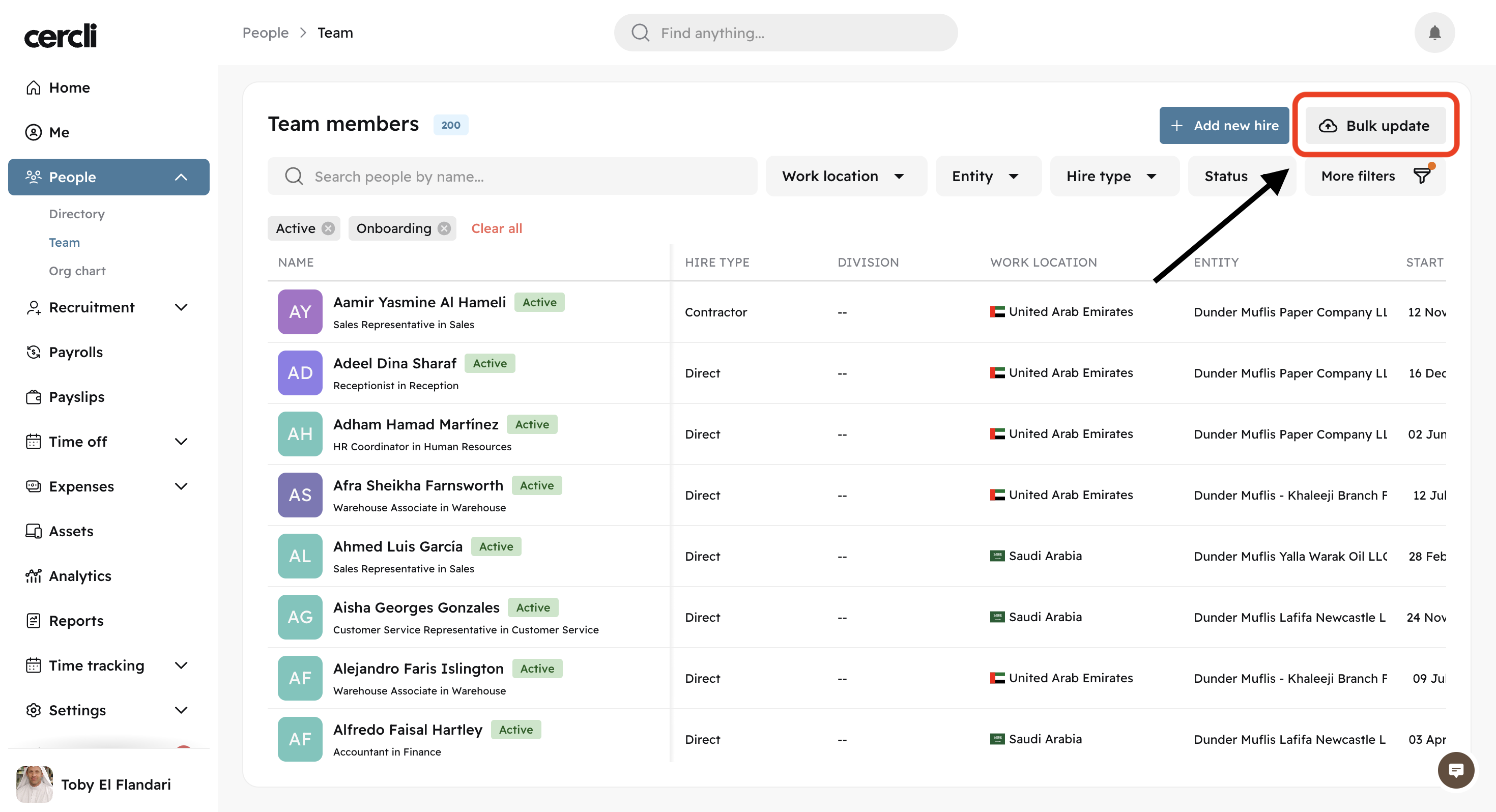
Find "Bulk update" on the top right of the screen.
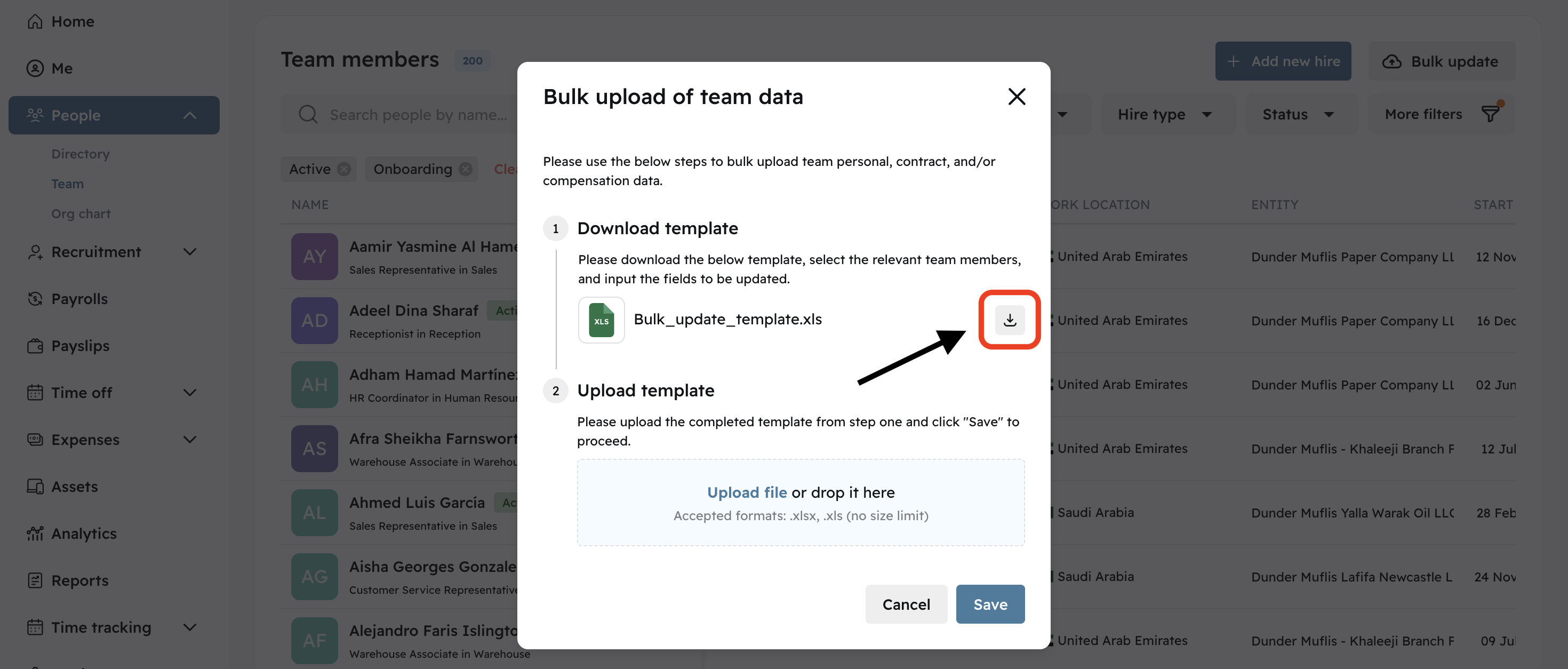
Download the template
How Do I Use the Bulk Update Template?
Start editing the template with team member data
Please make sure the team member's work email for the team members you'd like to do updates to is added.
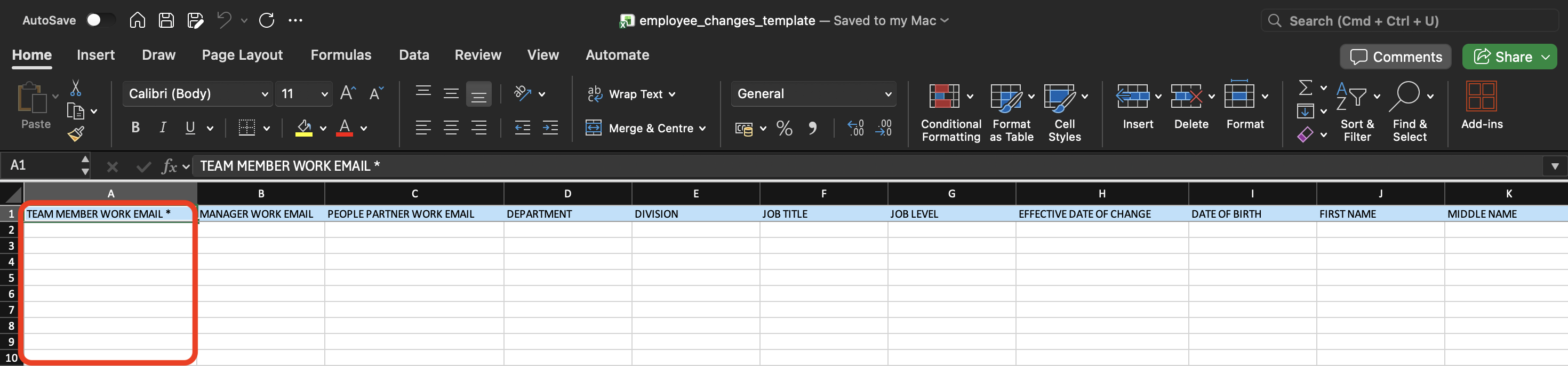
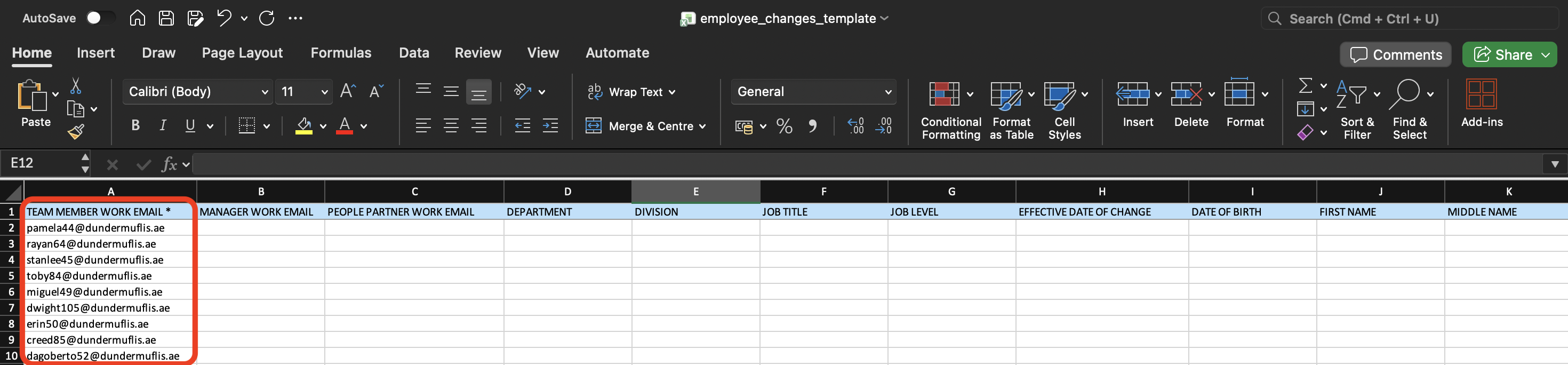
Once the email is added, you can now fill out the rest of the columns you would like to update. You don't have to edit all data columns. Just the ones you need.
Updating Job Titles
Let's say we want to update the job title. Select a job title for each row of team members (Dropdown).
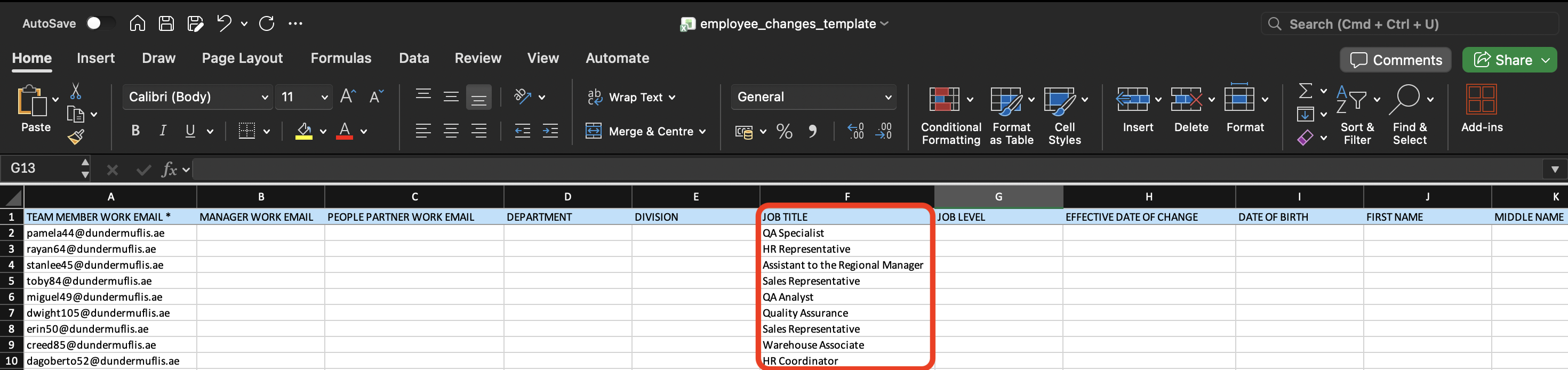
You can update more than one column in one go. Fill out the data for the other columns as well if you need to.
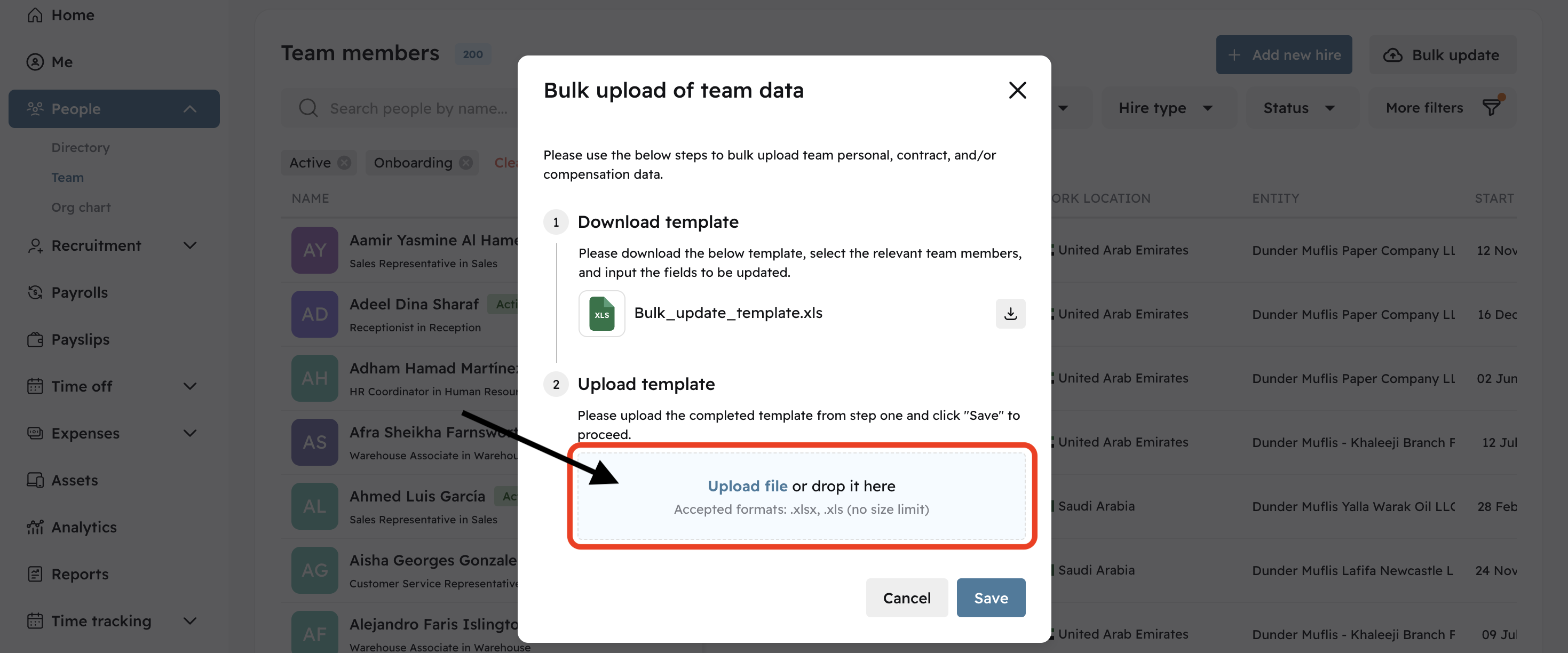
Save your excel file and upload the edited template. Then press "Save" to start processing the update.