Admin - How to Add Extra Payline Items
Last updated: June 24, 2026
🍿 TLDR
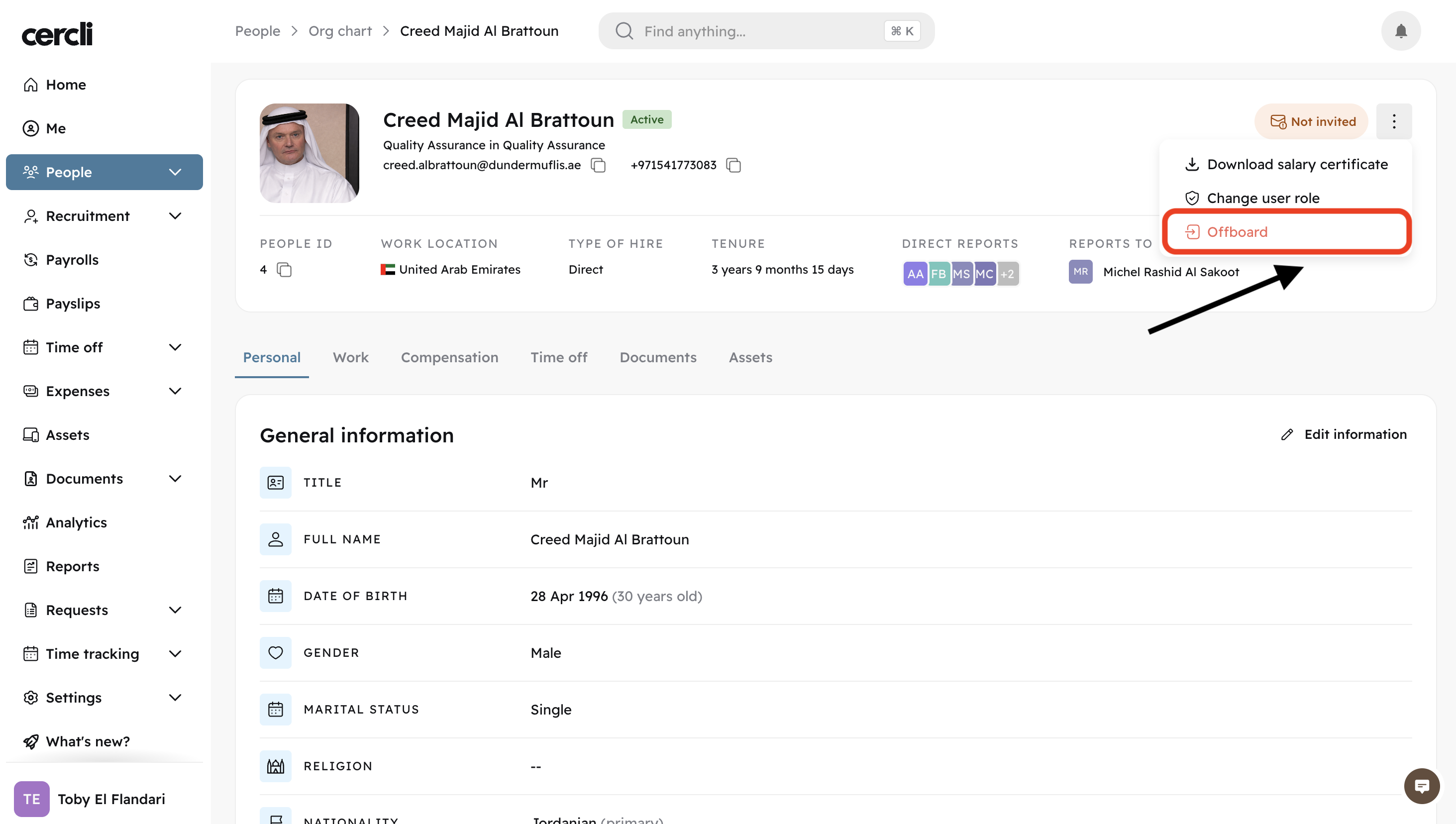
Open any team member's profile. Click on the 3 dots on the top right, select Offboard
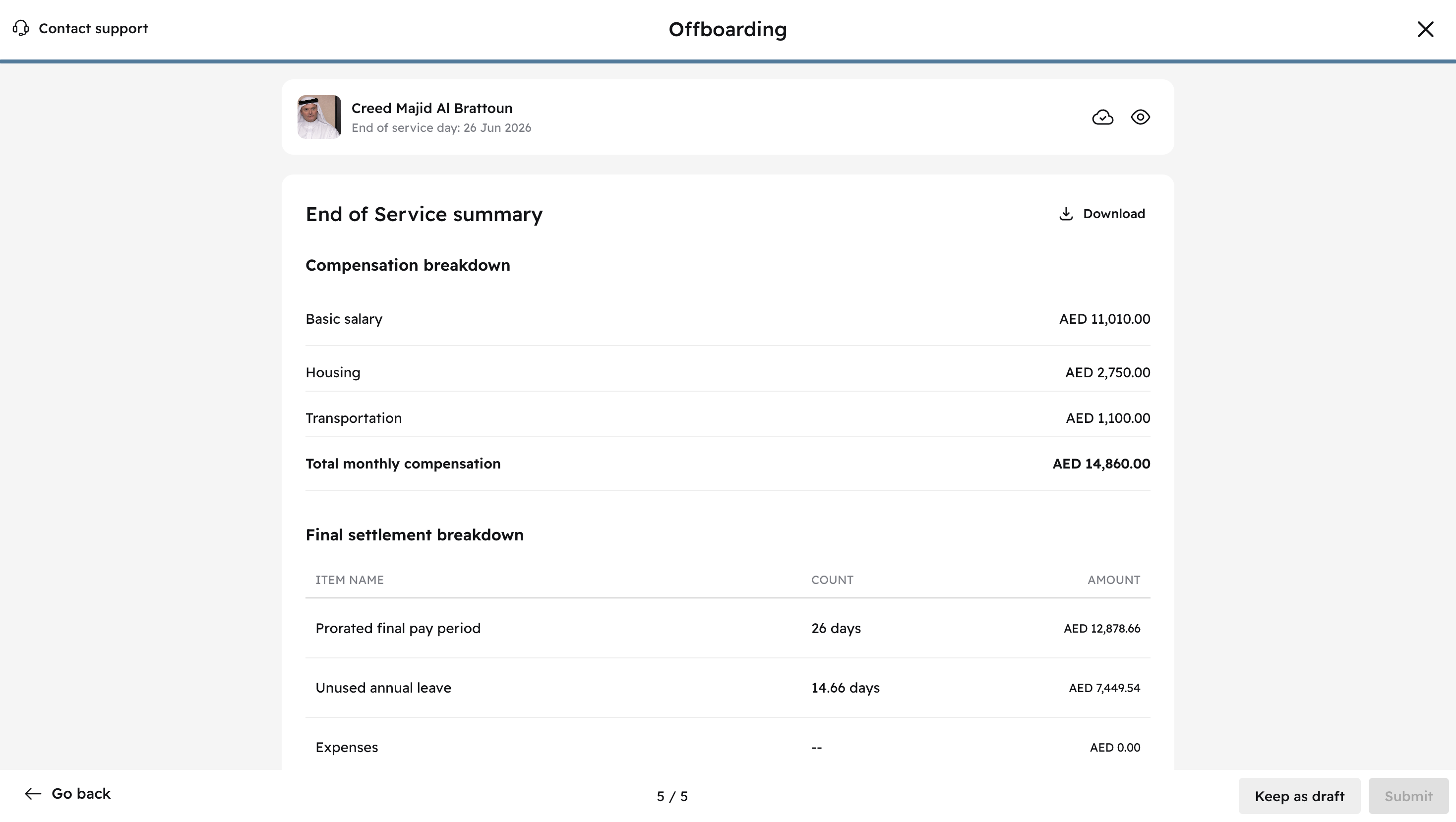
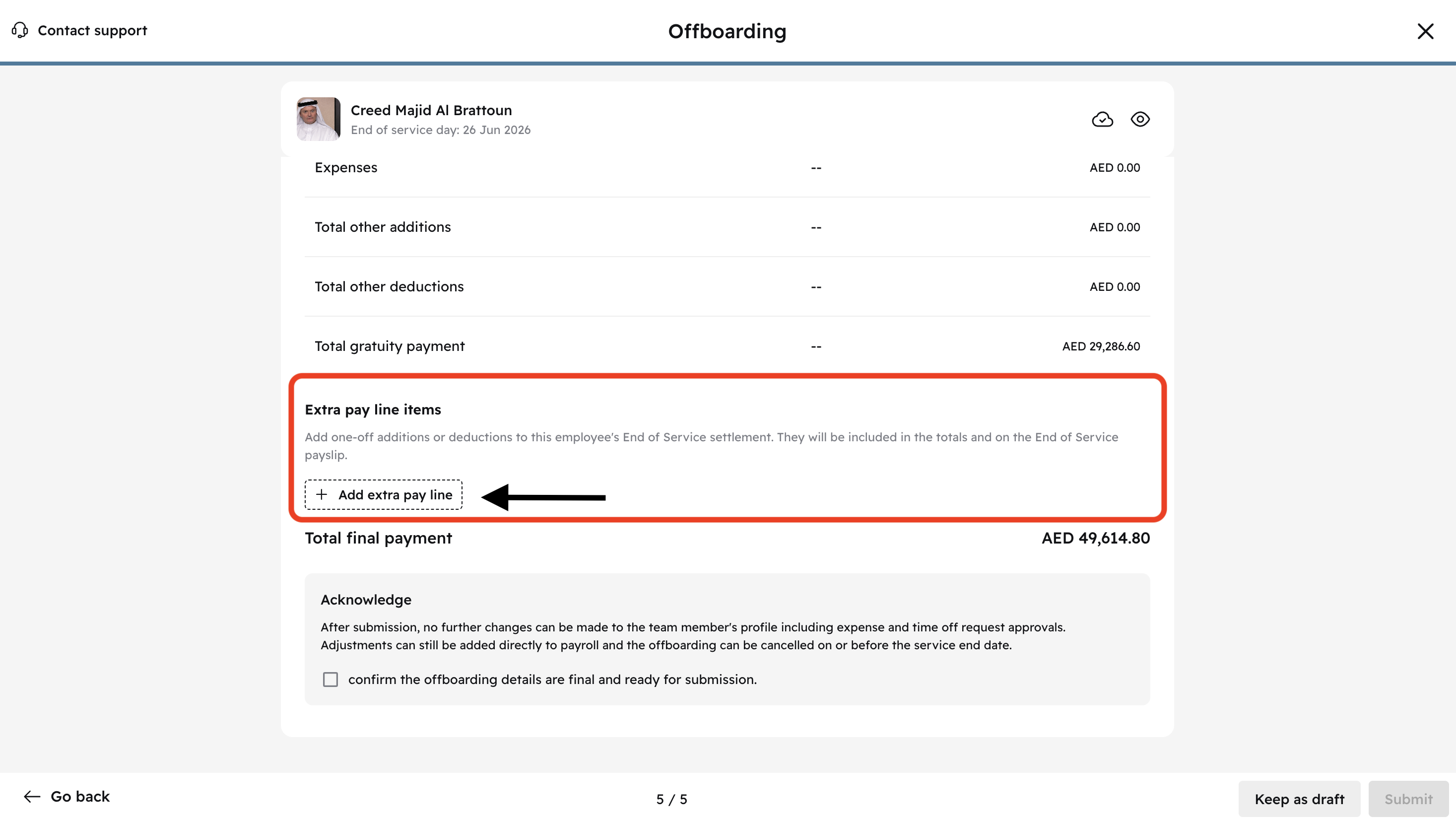
On the last onboarding page, scroll down to Extra pay line items
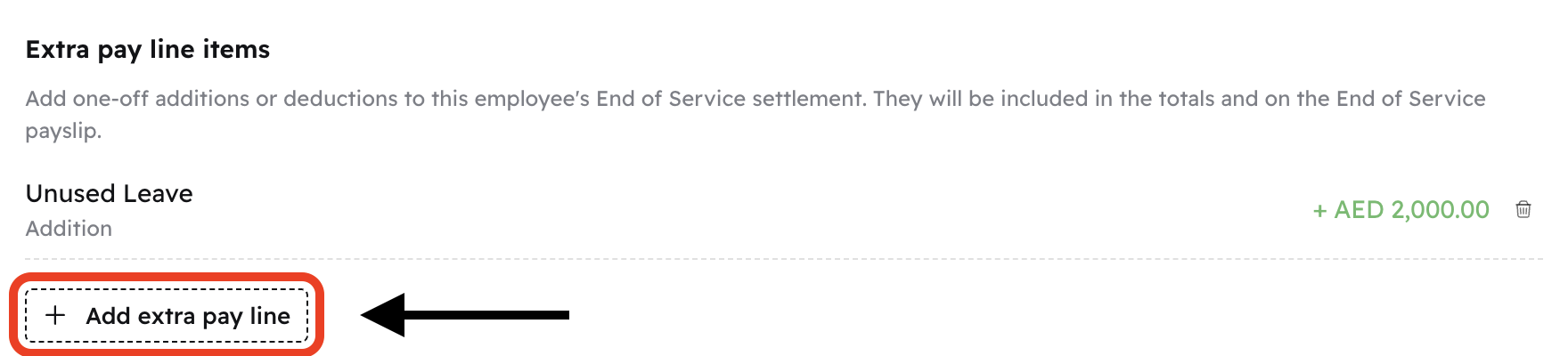
Click on Add extra pay line
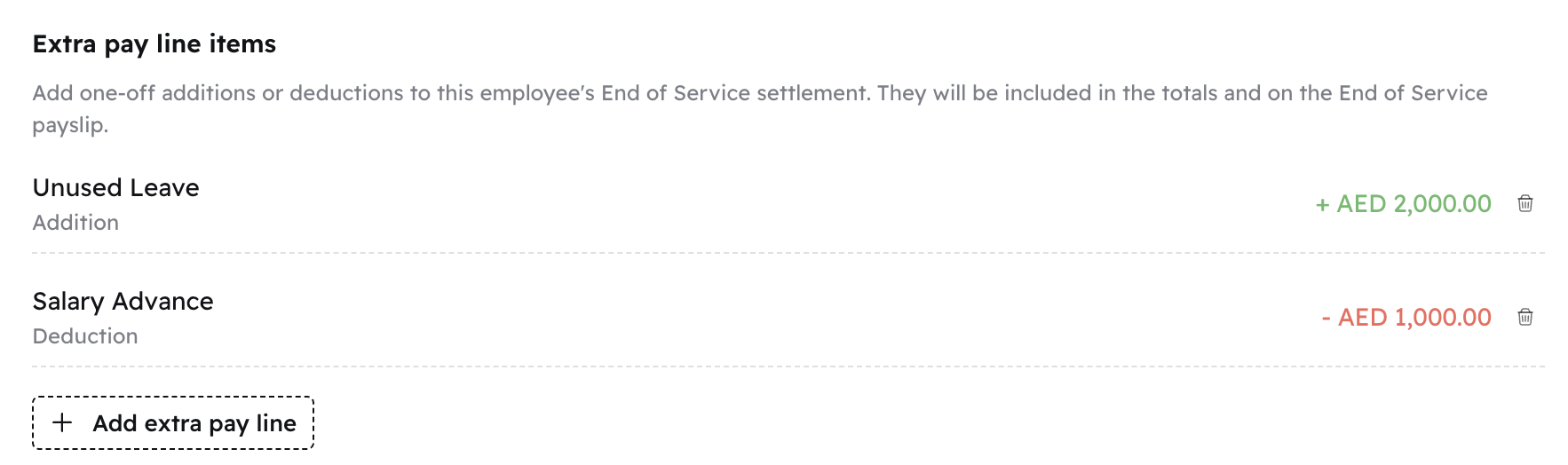
Select the type: Addition or deduction. Select a compensation item like unused leave or salary advance. Click Add
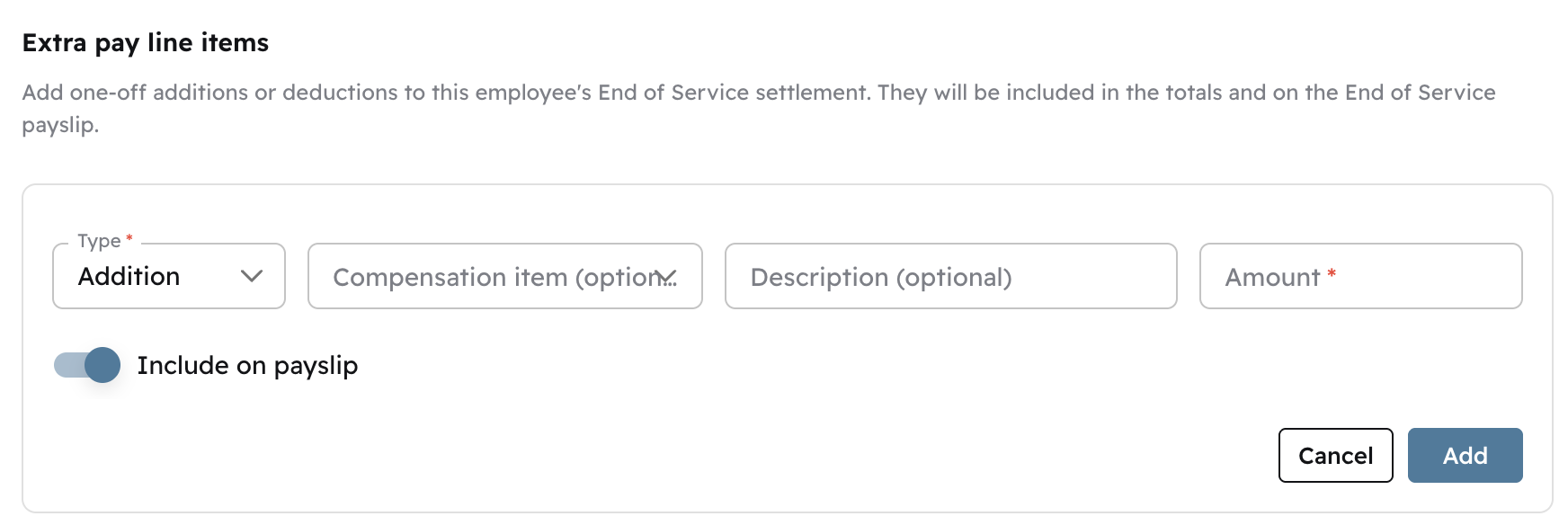
You can add as many extra pay lines as you need to