Admin - How to Exclude Team Members from a Payrun
Last updated: April 23, 2026
TLDR 🍿
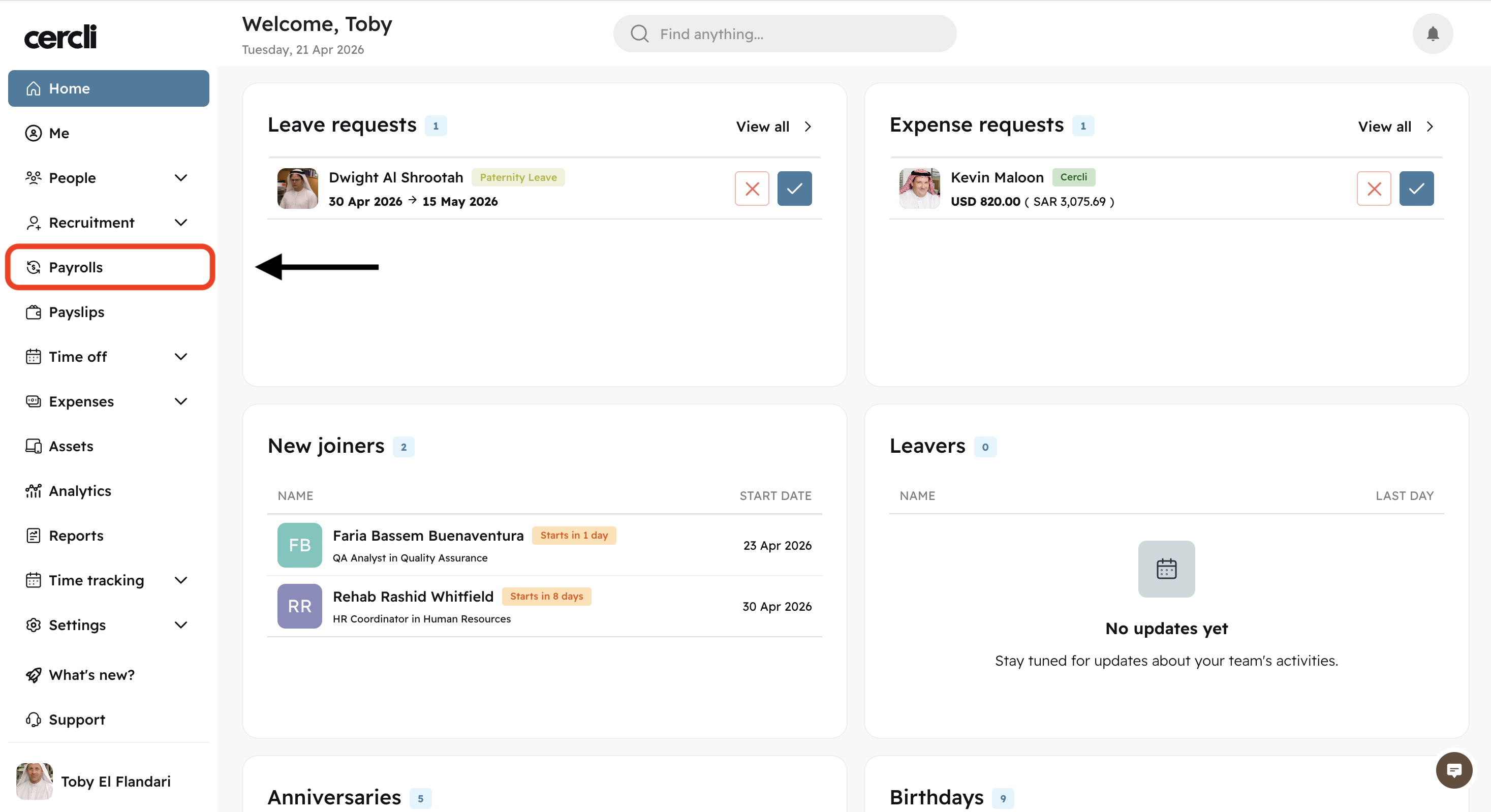
On your left navigation bar, click on Payrolls
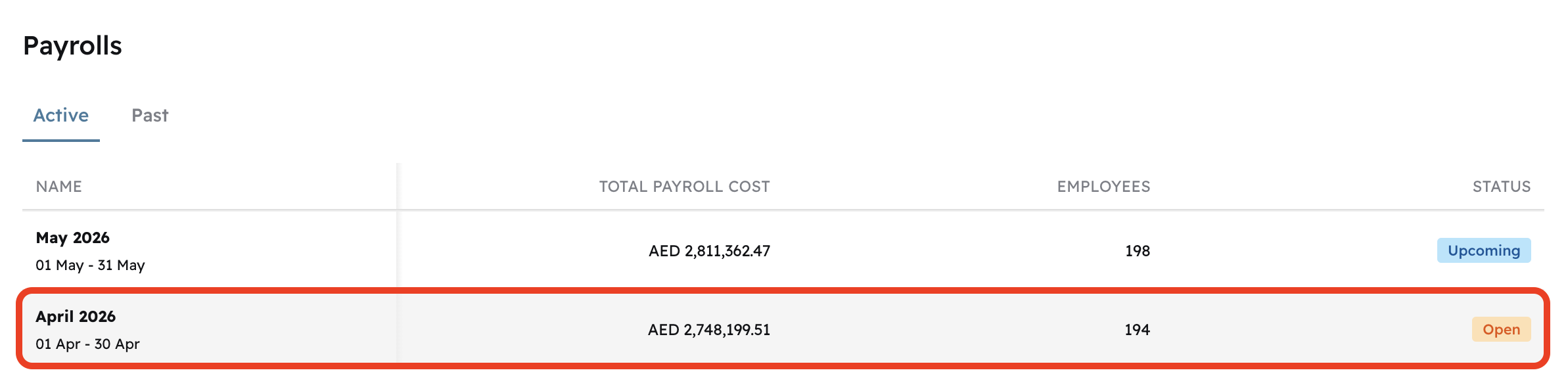
Click on either of the visible payrolls (The chart is clickable)
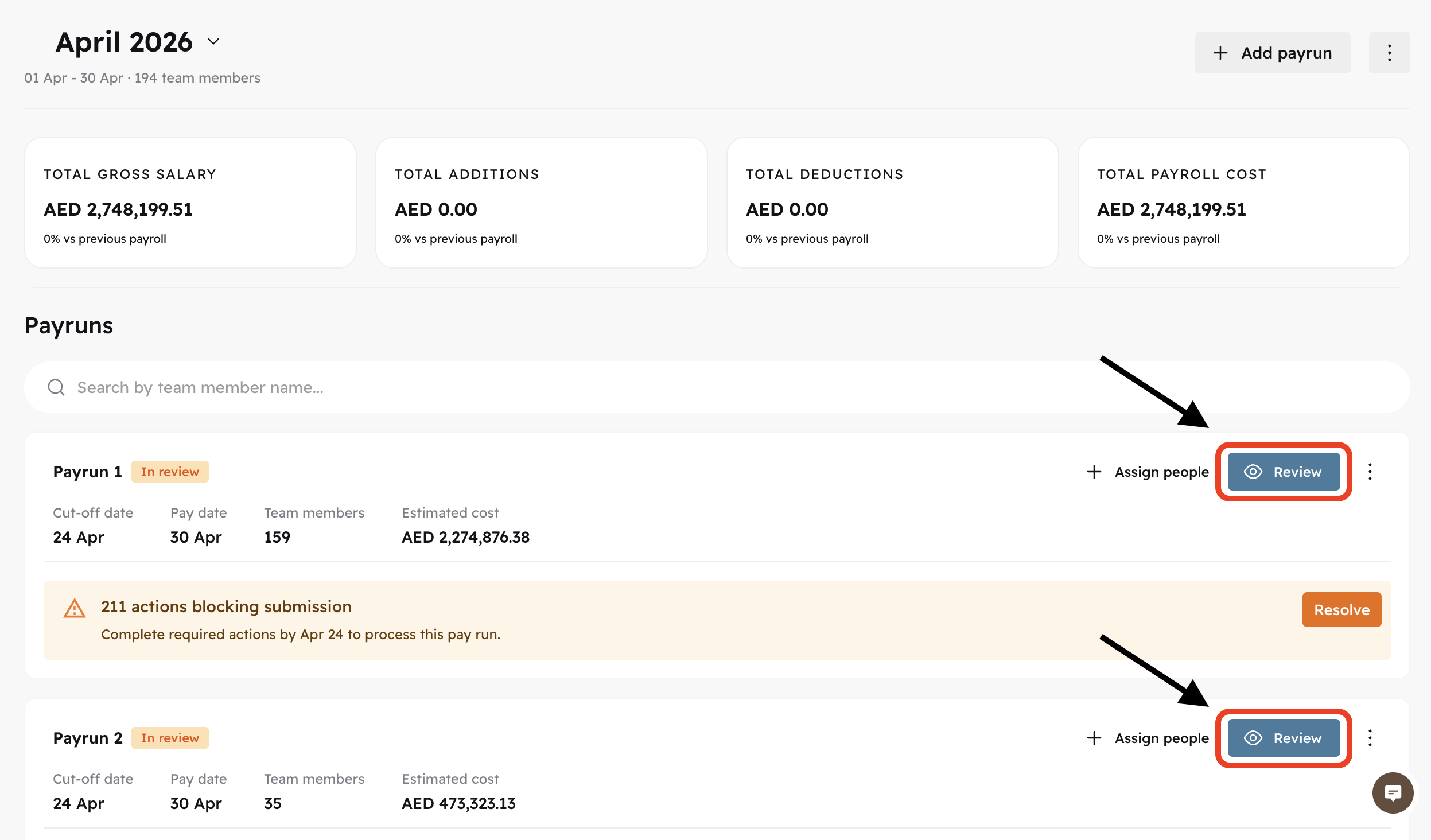
Click Review on the payrun you'd like to exclude somebody from.
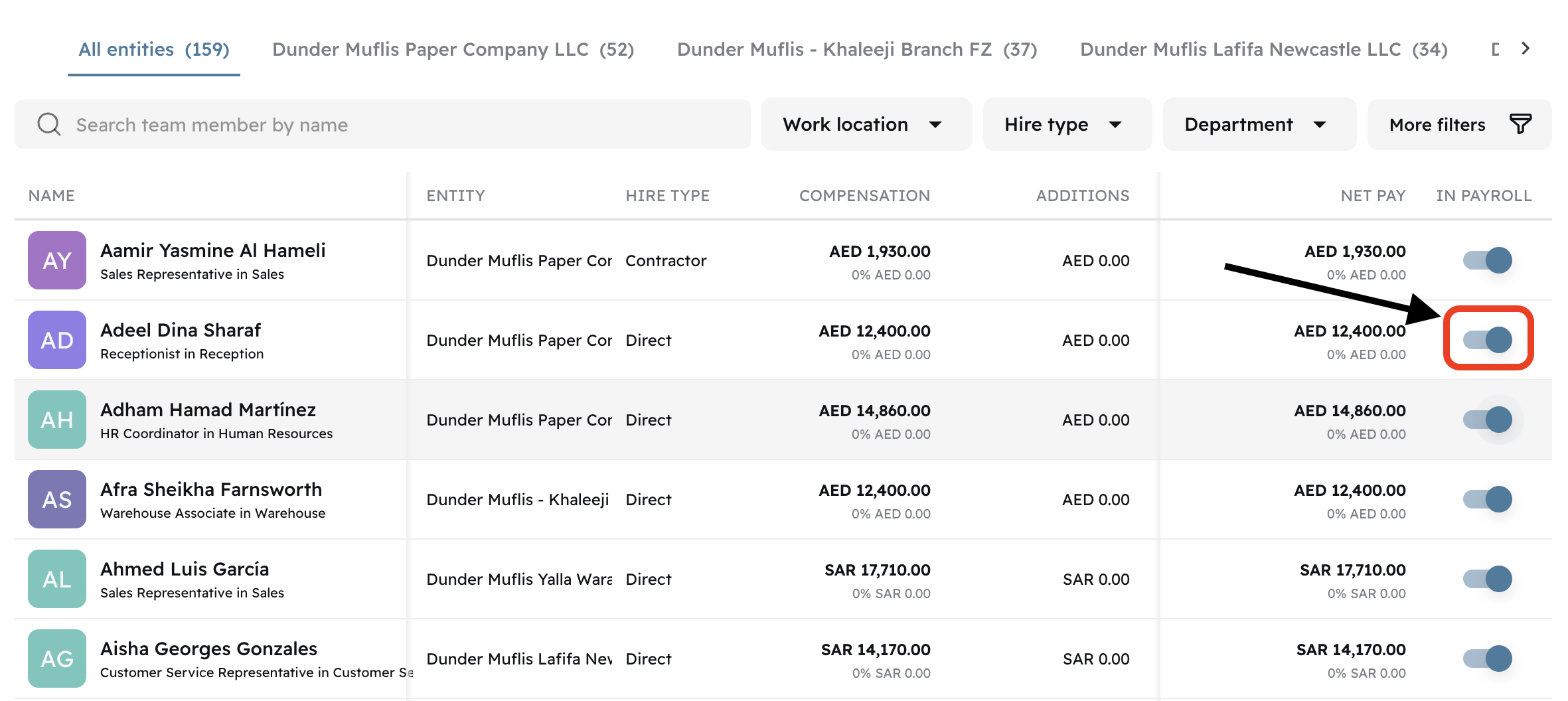
Toggle the button.
Click Confirm
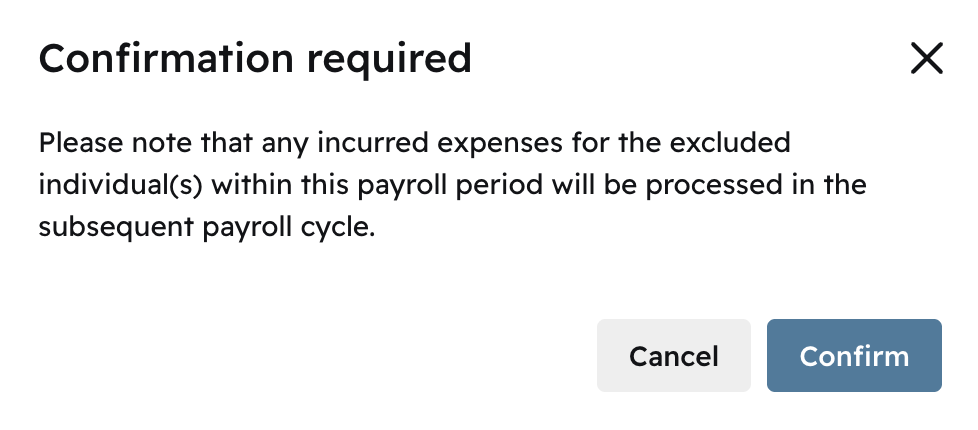
The team member is excluded from this payrun
