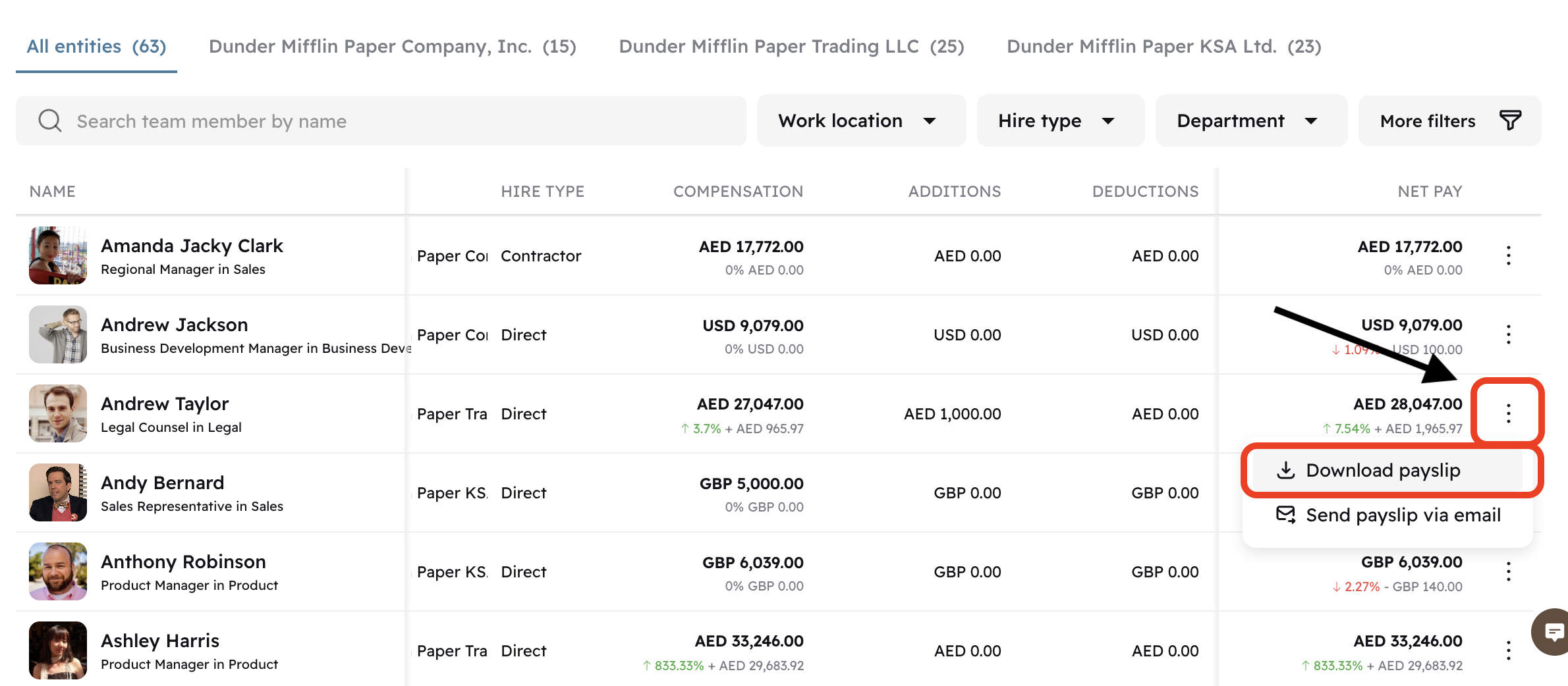
Admin - How to Download Team Member Payslips
Last updated: April 29, 2026
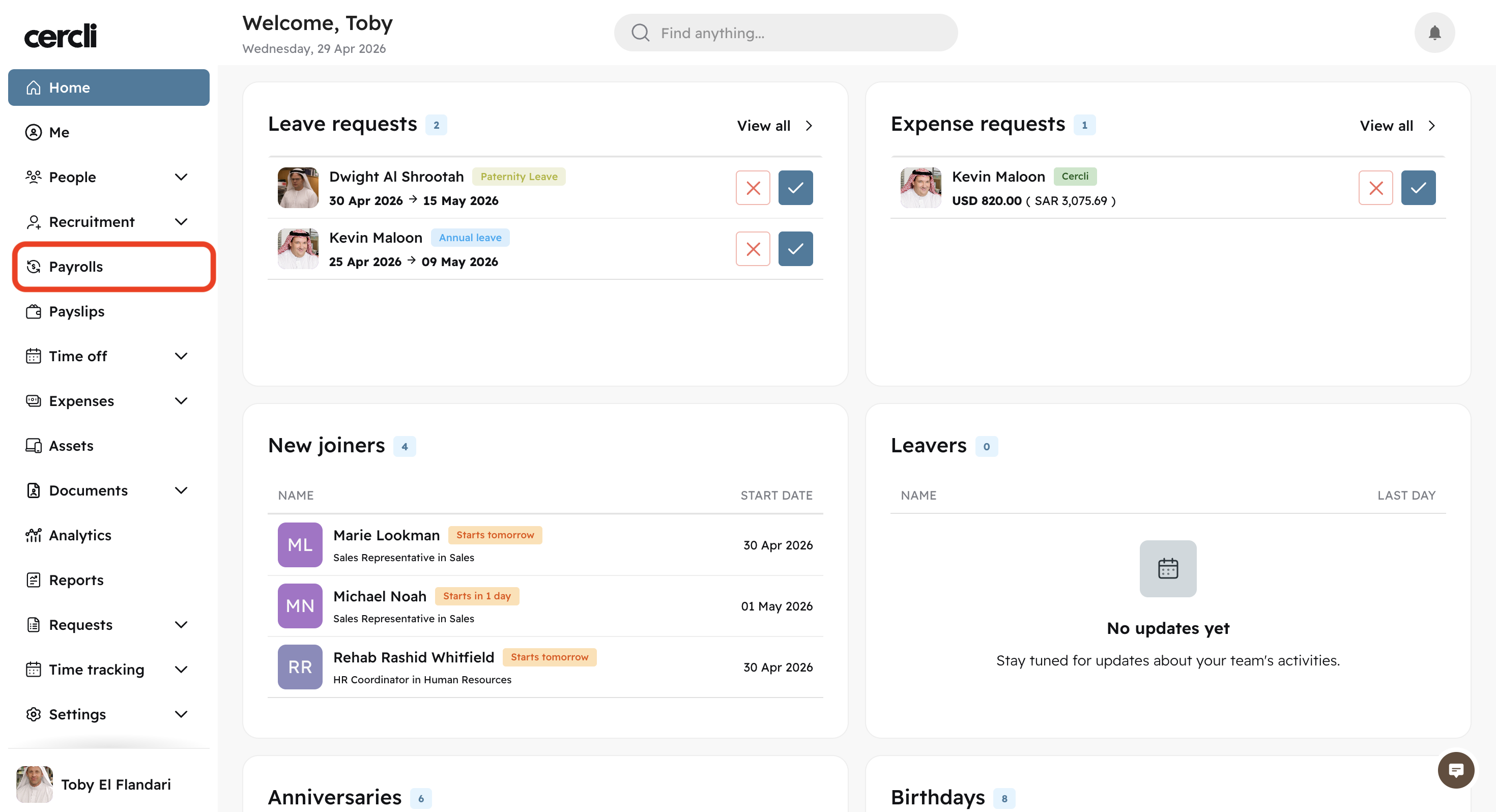
On the left navigation bar click on Payroll .
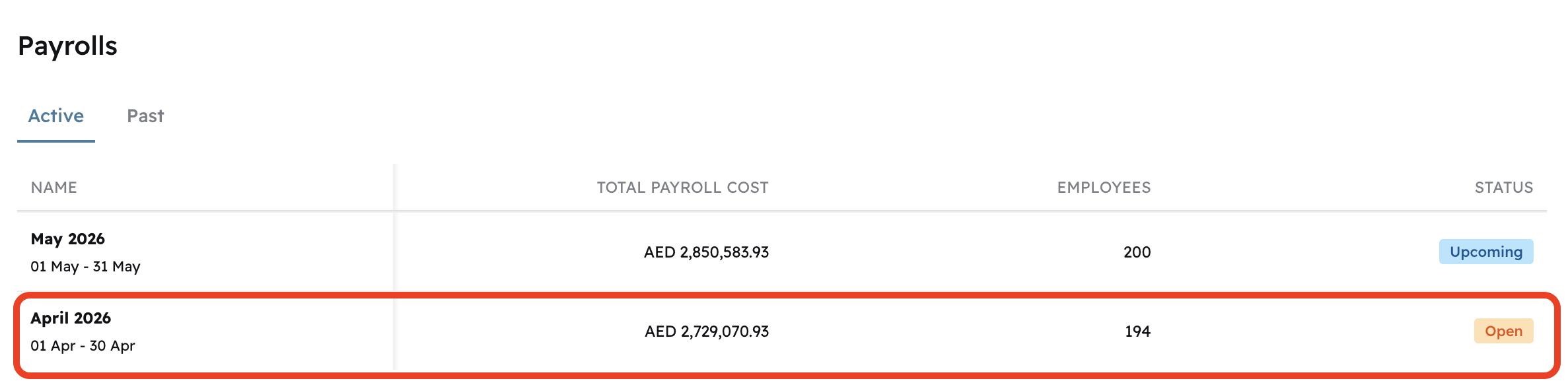
Open the Payrun where the team member is assigned.
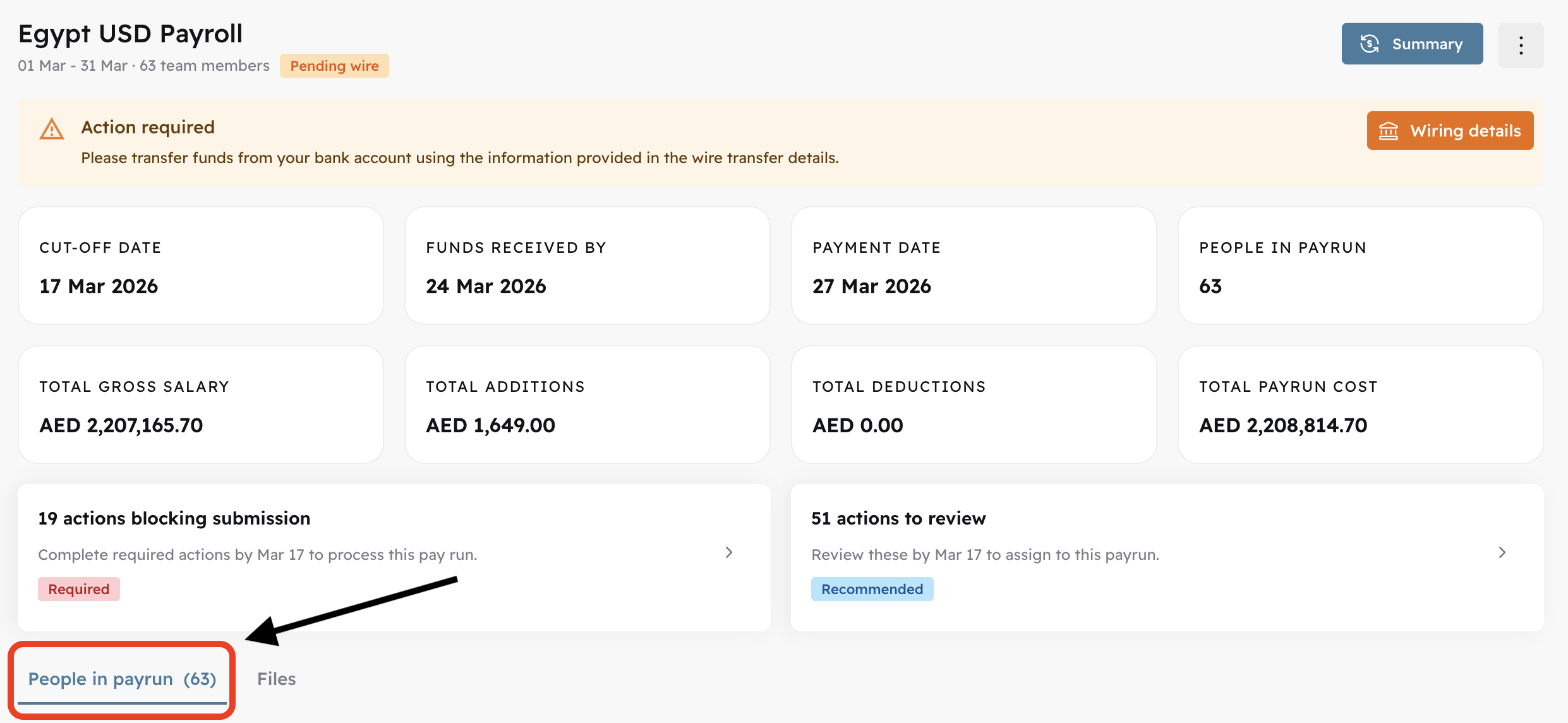
Once opened, click Review

Locate the People in payrun button or scroll down.
Find the team member and click on the vertical three dots on the NET PAY column, and click Download payslip