Admin - Calendar Export of Direct and Indirect Reports
Last updated: July 1, 2026
🍿 TLDR
On your left nav bar, go to Time off - Calendar Or Press CTRL + K (Windows) Comm + K (MAC) and search for Calendar directly.
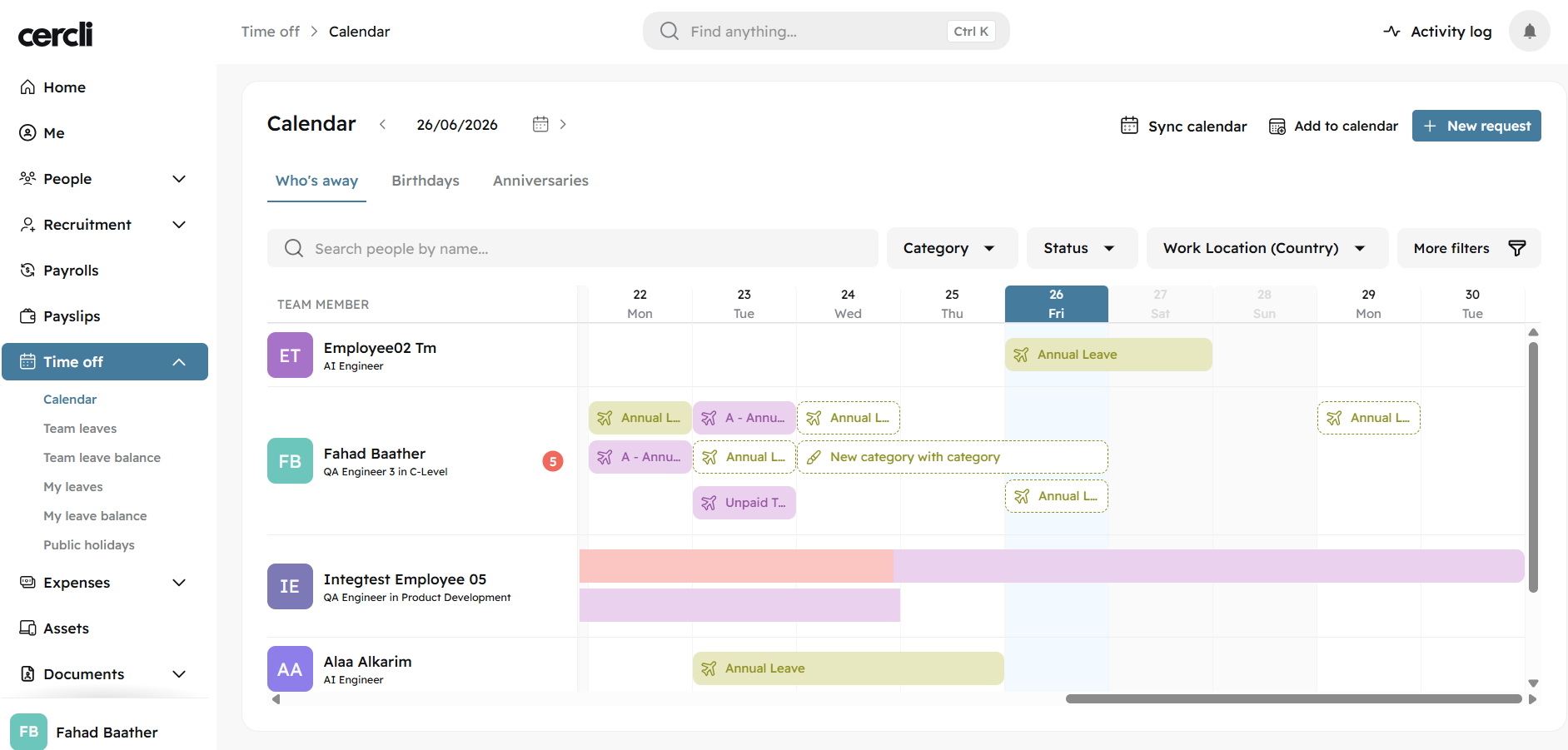
Click Add to calendar on the top right of the screen. You will then see a page with 4 different links. Everyone, My department, My direct reports, My direct and indirect reports.
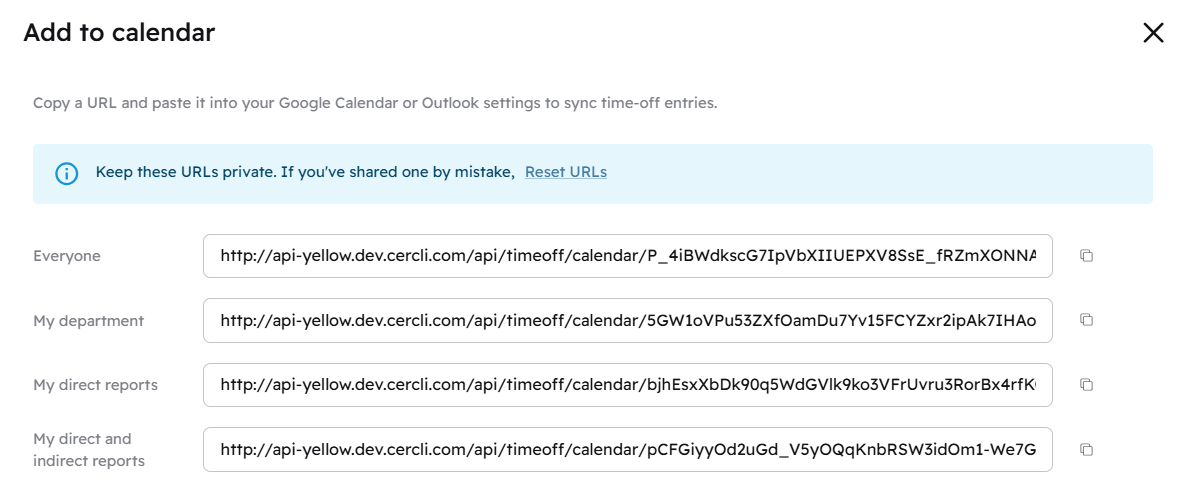
Copy the calendar link you would like to see in your own Google or Microsoft calendar view.
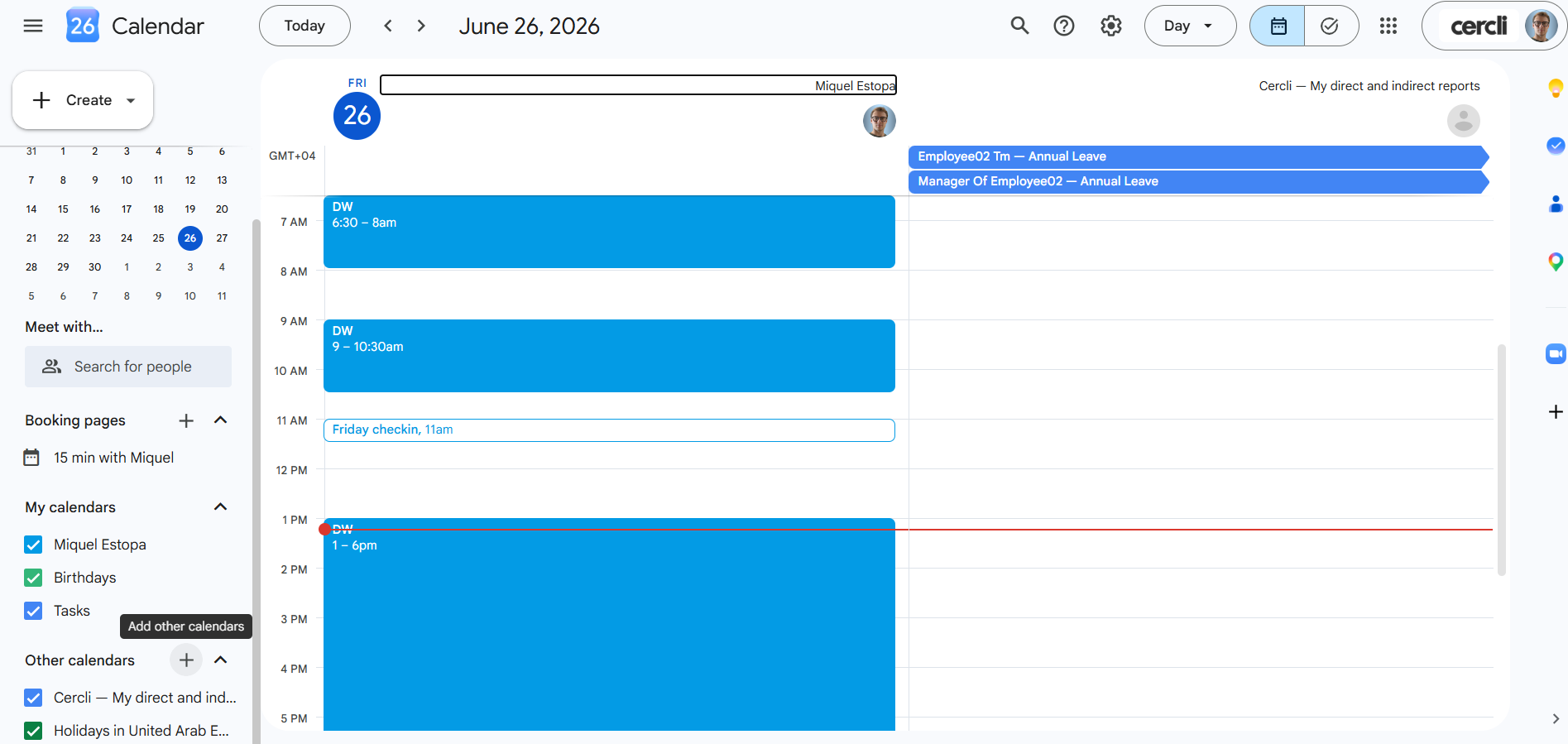
Go to your Google calendar and click the + sign next to Other calendars
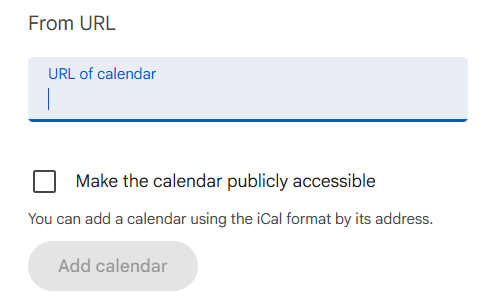
Select From URL
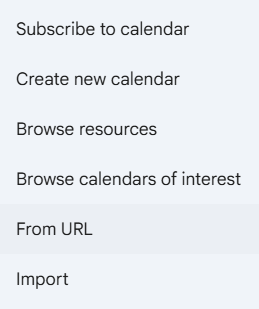
Paste the calendar link here. And click Add calendar