How Do I Create a New Policy?
Last updated: April 23, 2026
TLDR 🍿
Creating a new policy
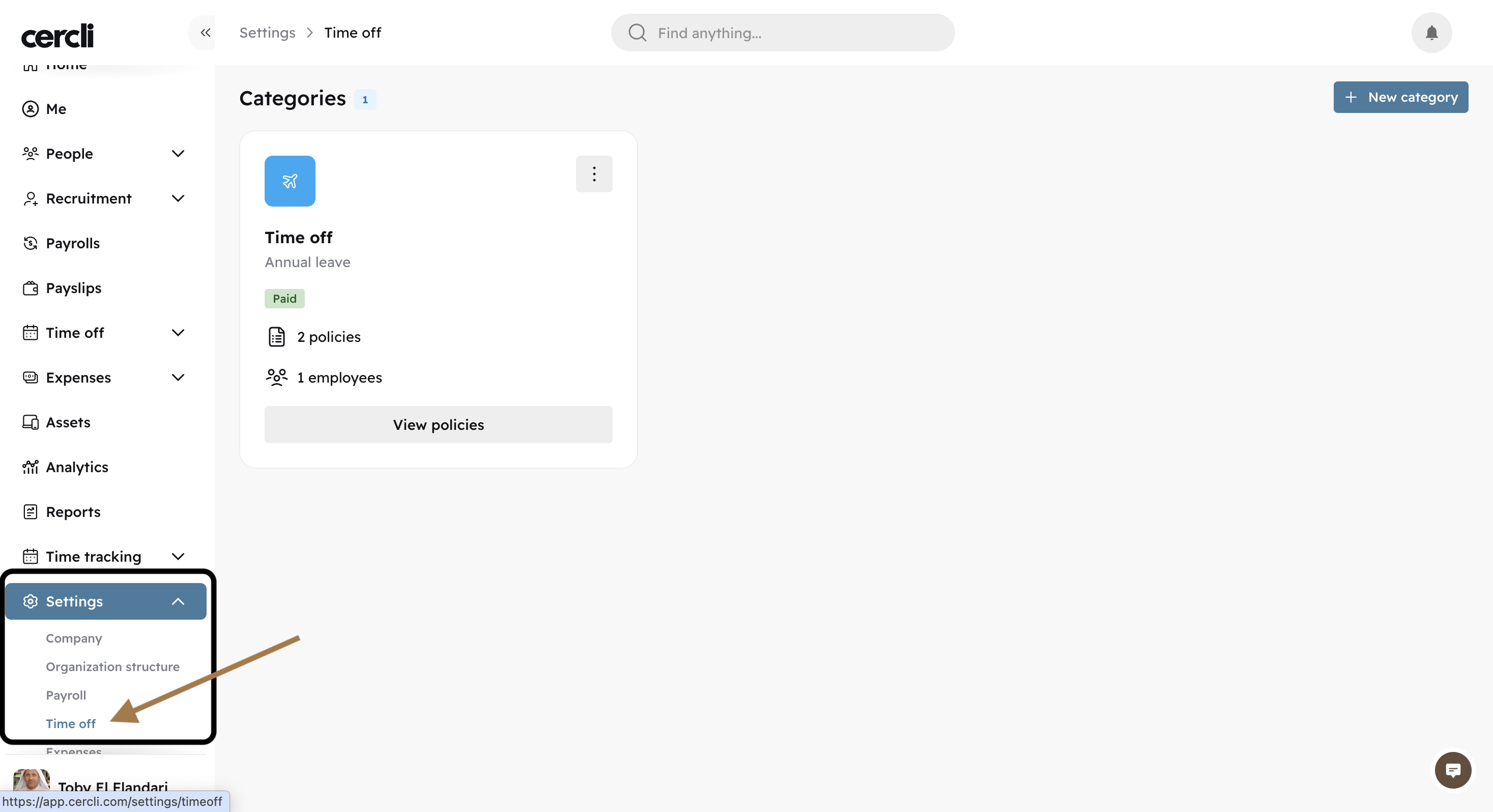
Go to Settings, find Time off.
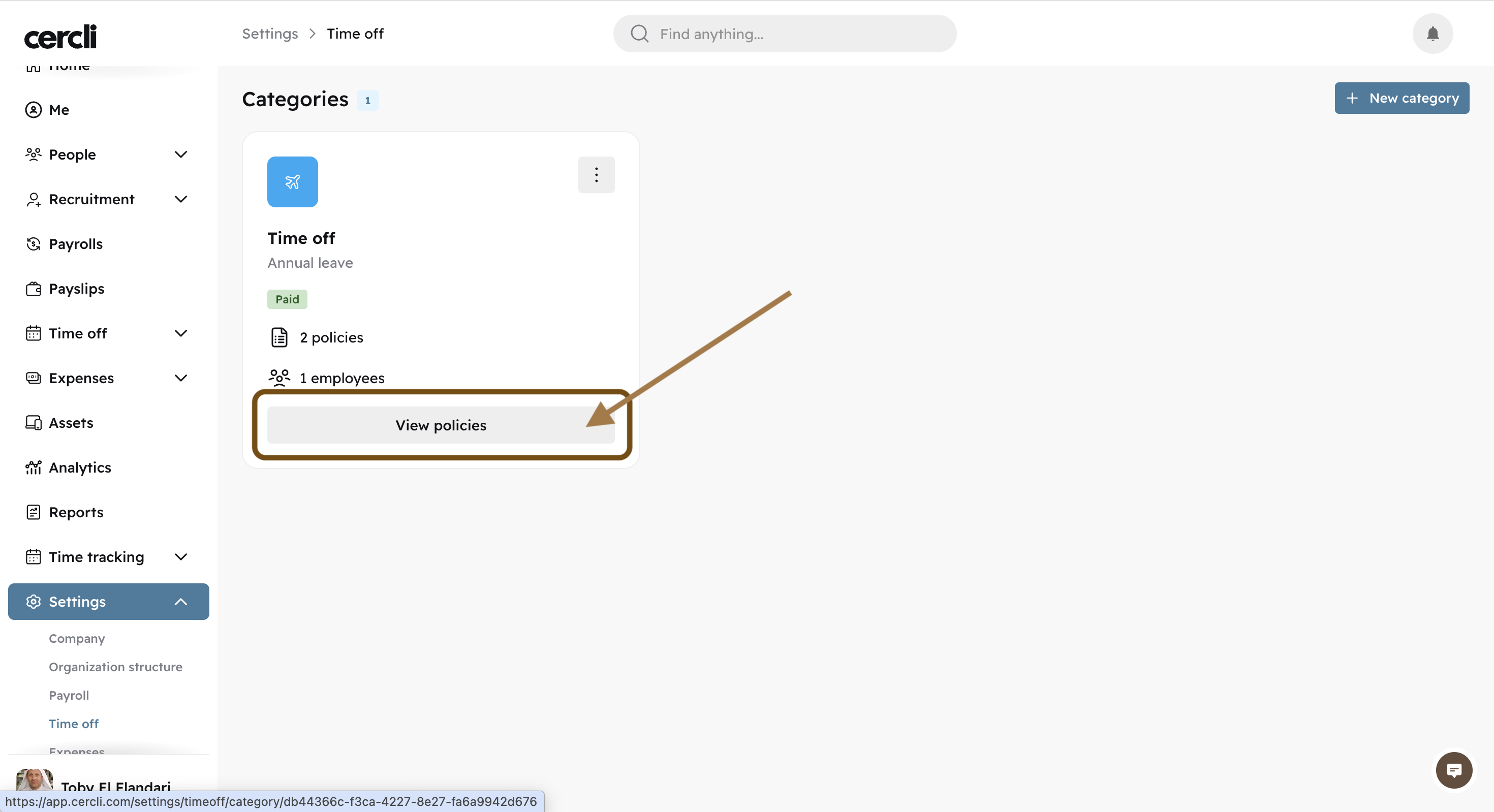
Click on "View policies".
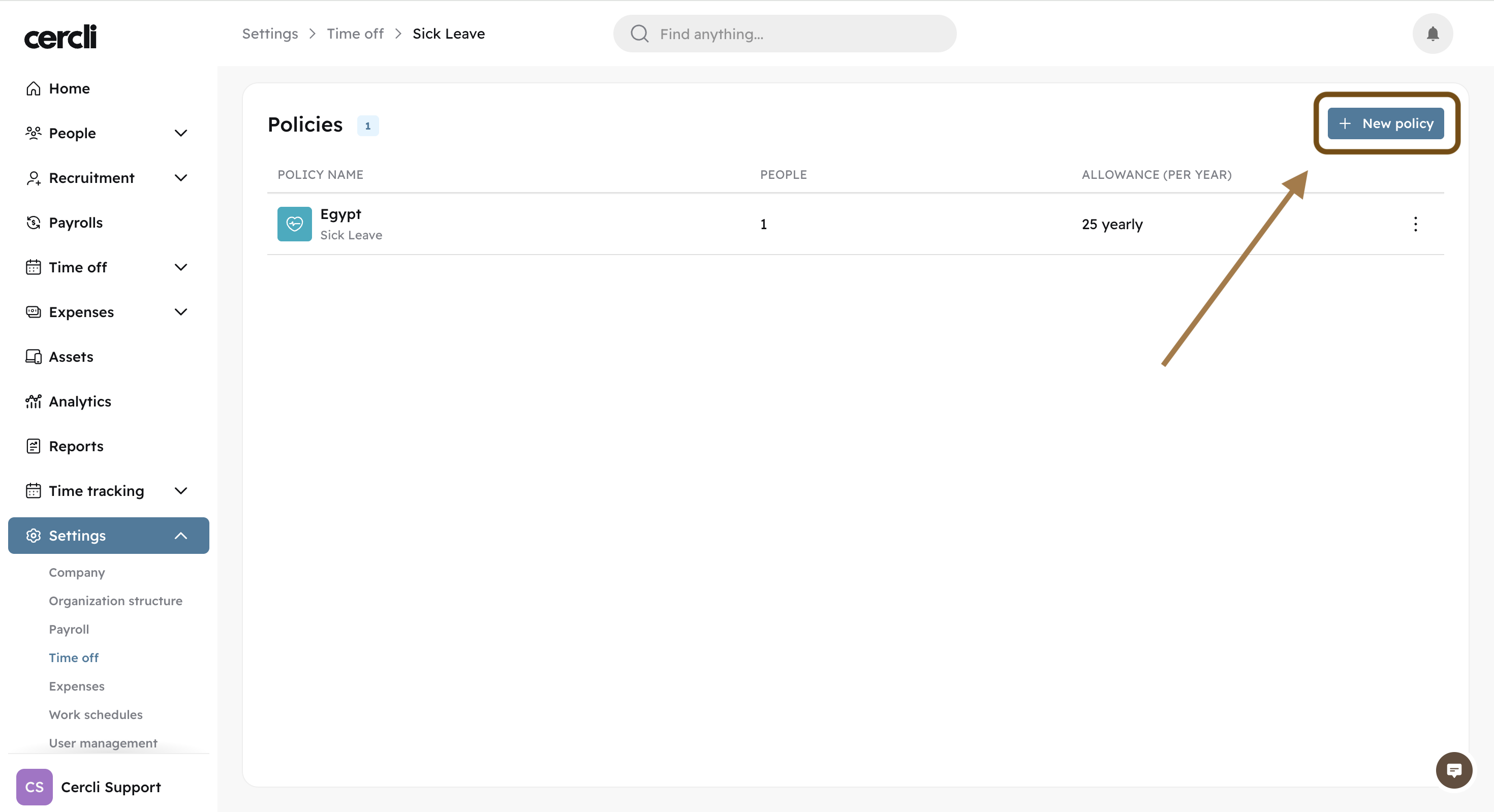
On the top right of the screen click "New policy".
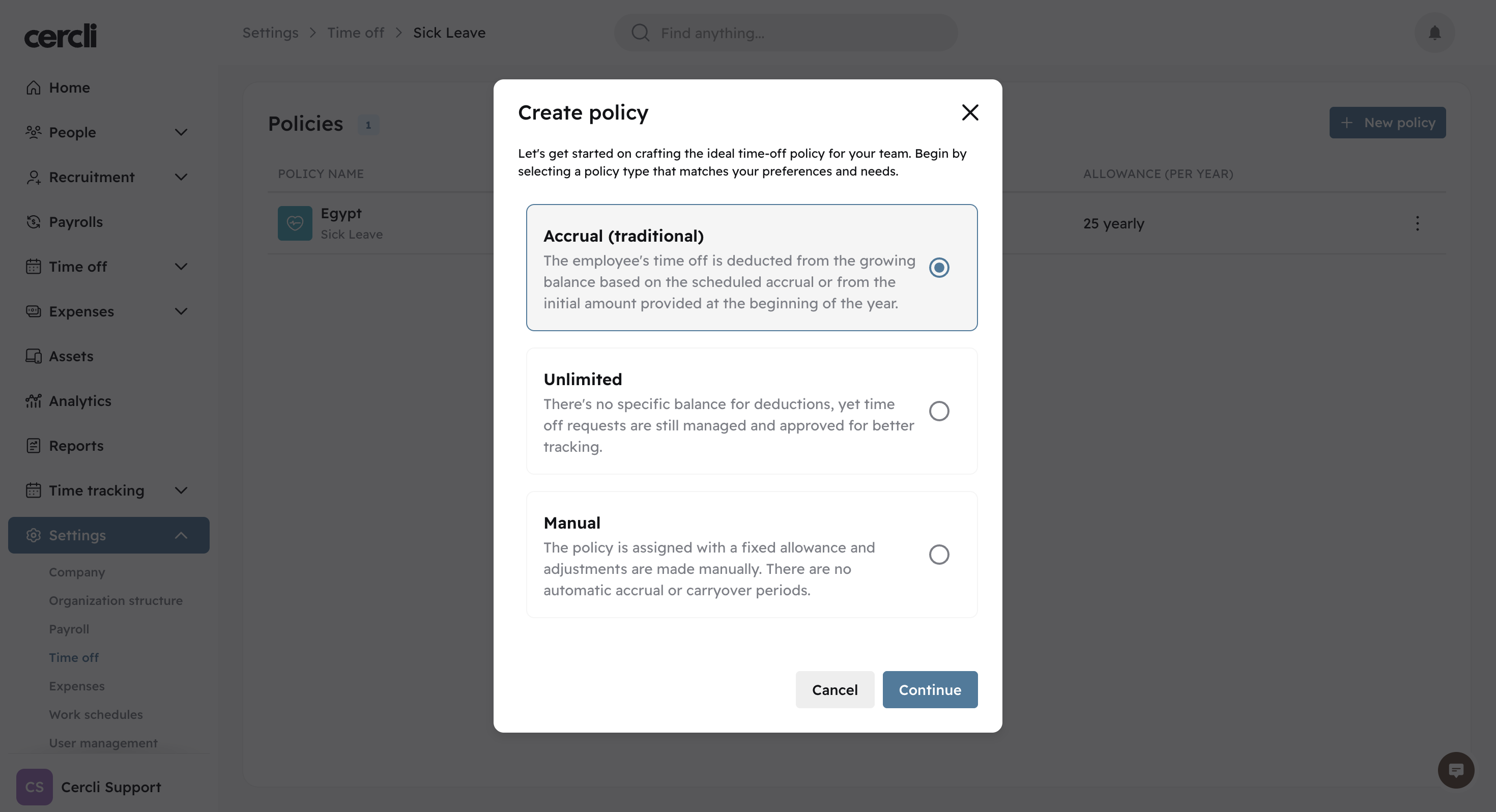
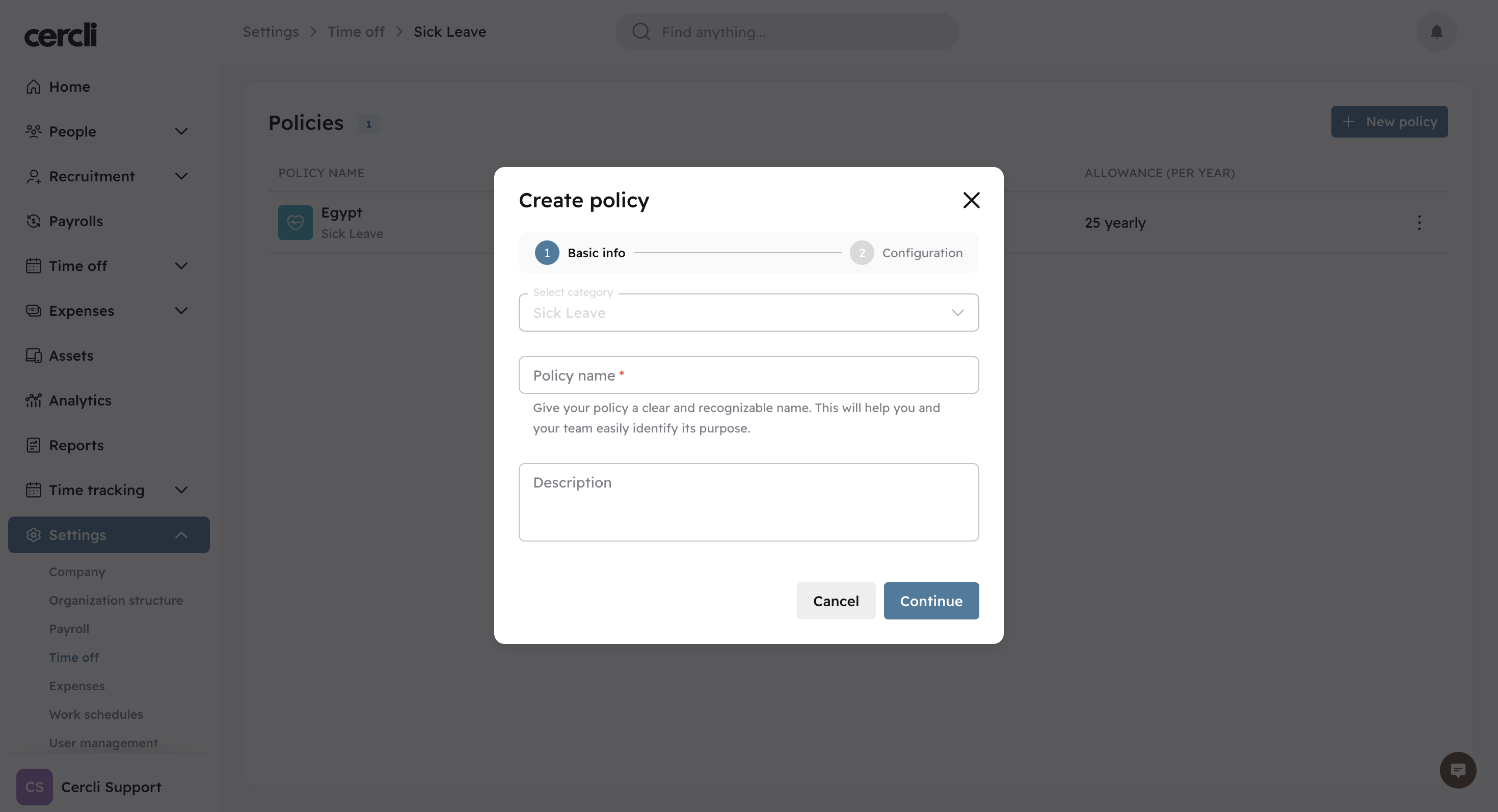
Select a policy type, give it a name, and give it a brief description
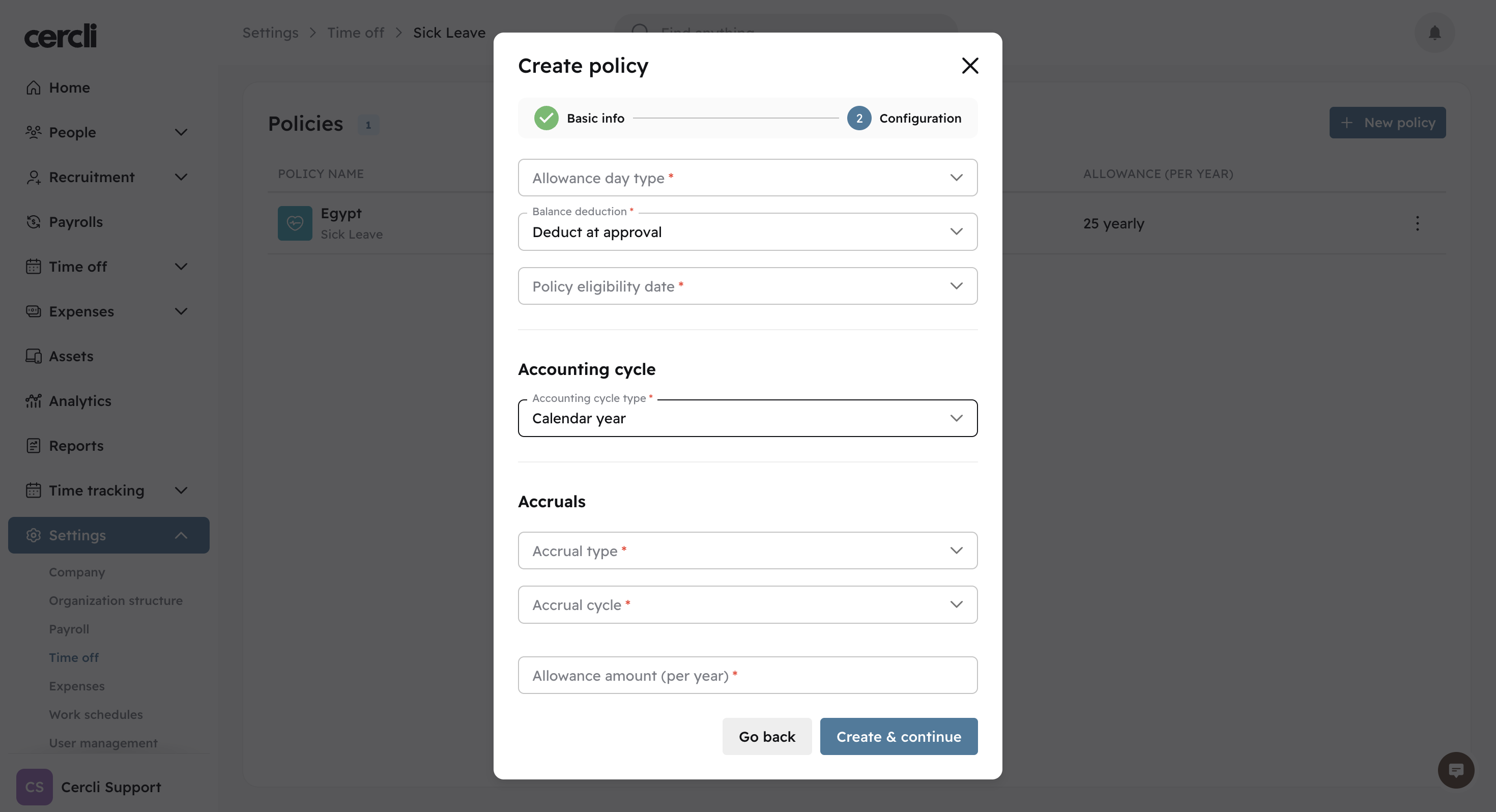
Allowance day type
Determines how leave days are counted. Calendar days counts every day including weekends and holidays, while working days only counts days the team member is actually scheduled to work.
Balance deduction
Controls when leave is subtracted from an team member's balance. With deduct at approval, the full amount is taken the moment the request is approved. With deduct as leave is taken, the balance reduces day by day as the leave is actually used.
Policy eligibility date
Sets when a team member can start requesting leave. This can be from their hire date, after their probation period ends, or after a custom fixed period following their start date.
Accounting cycle type
Defines how the leave year resets. Anniversary ties the reset to each team member's individual work anniversary, while calendar year applies a single shared reset date across the entire company.
Accrual type
Determines how allowance is granted. Full gives the entire entitlement upfront at the start of each period, while prorated means the allowance builds up gradually over time.
Accrual cycle
Sets the frequency at which leave accrues. Options are monthly, weekly, or yearly.
For similar content take a look at: