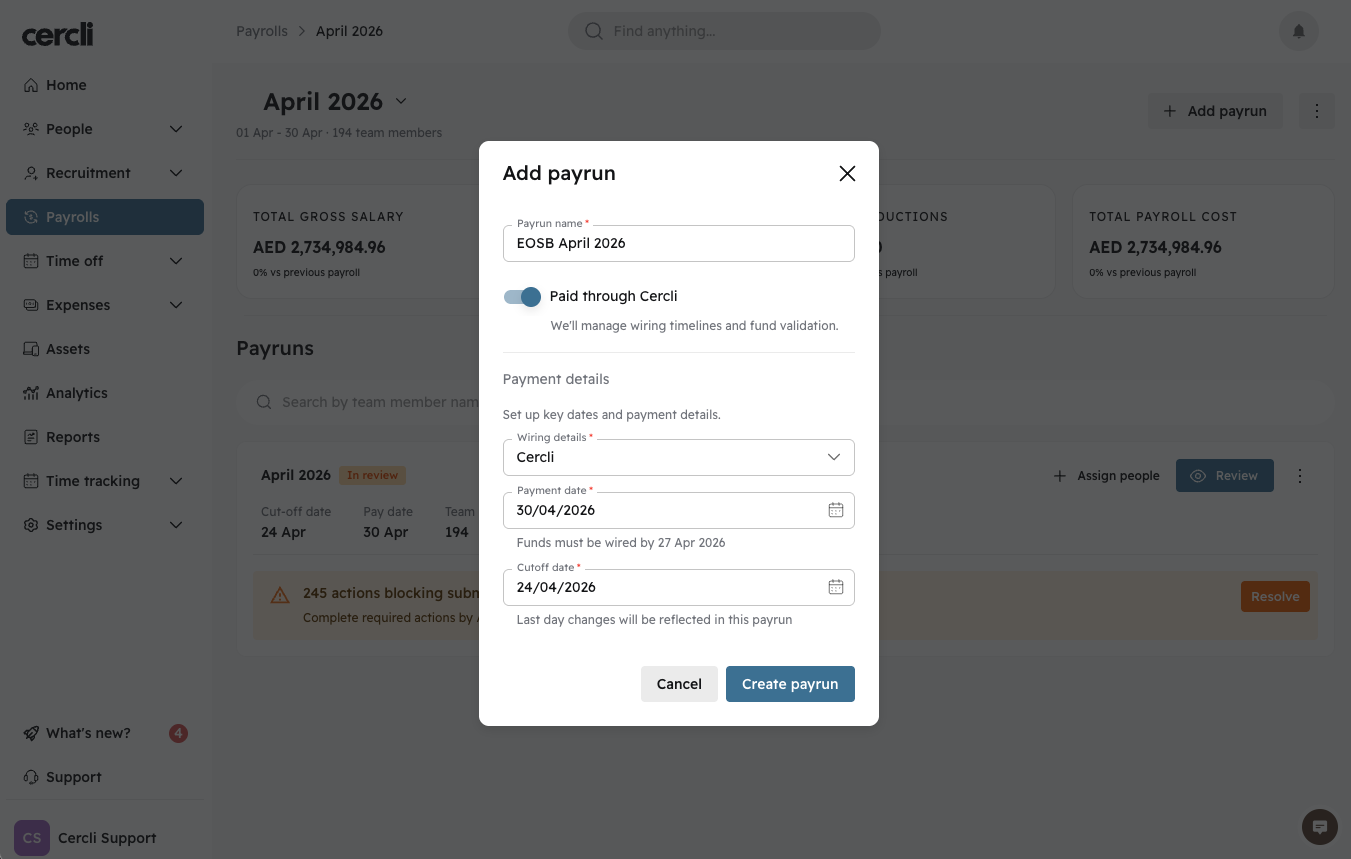
Admin - How to Create a Payrun
Last updated: April 23, 2026
This can be useful if you'd like to pay a team member outside of the regular payroll cycle. For example for an end of service benefits (EOSB) payment or for any other exceptional cases.
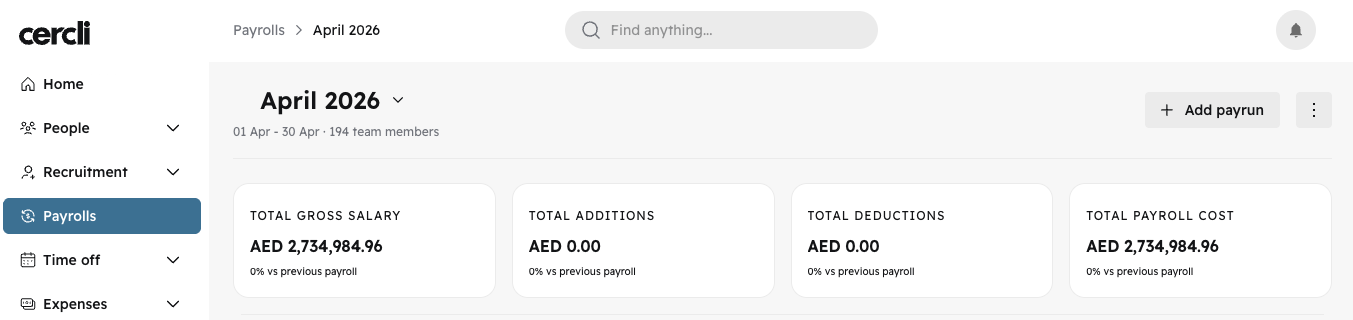
Navigate to the payroll screen on the left side bar and click on the "Add payrun" button in the top right.
Note: if you don't see this button, contact Cercli support
Enter the payrun name and settings, then click "create payrun".Admin -