Recruiter - How to Leave Comments
Last updated: June 11, 2026
There's a new commenting thread on each candidate’s profile. This is where the hiring team can discuss if a candidate is the right one inside the ATS. Instead of it being scattered across Slack and email.
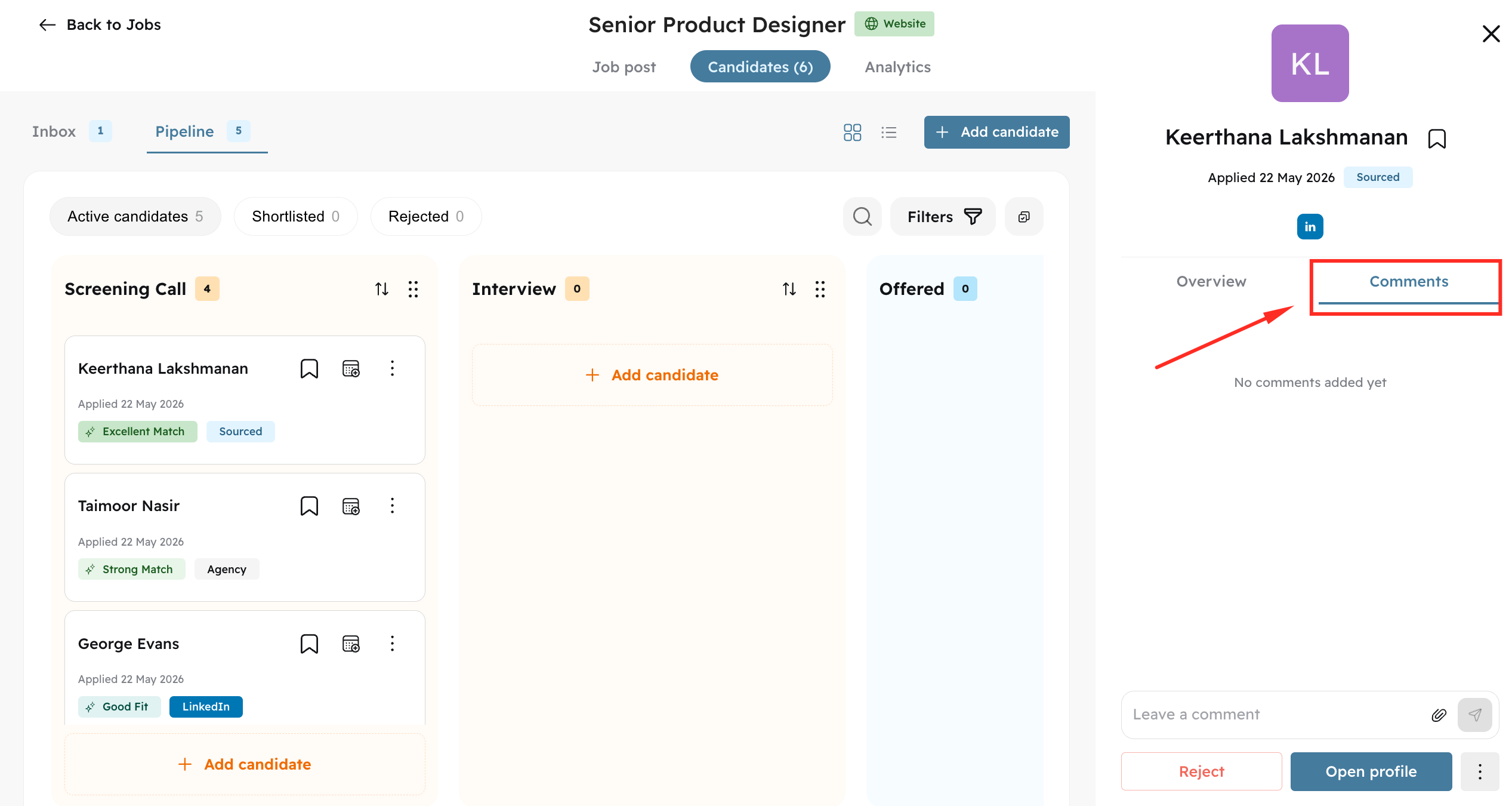
Open the candidate profile by clicking on the card/row, and then click on the Comments tab
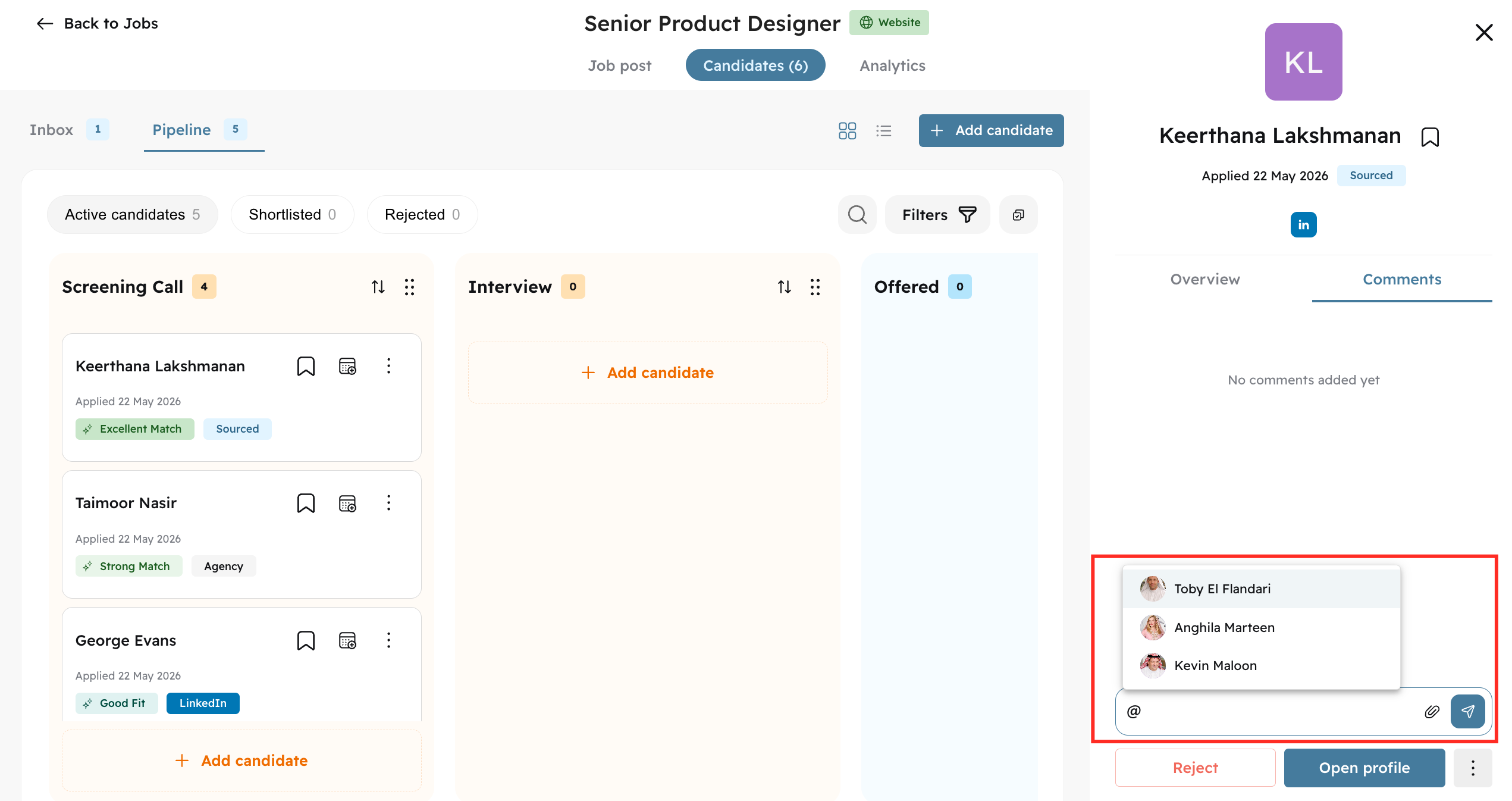
Type @ to mention your hiring team members and leave comment
After leaving the comments, the mentioned person will receive a notification via Email and an in-app notification.
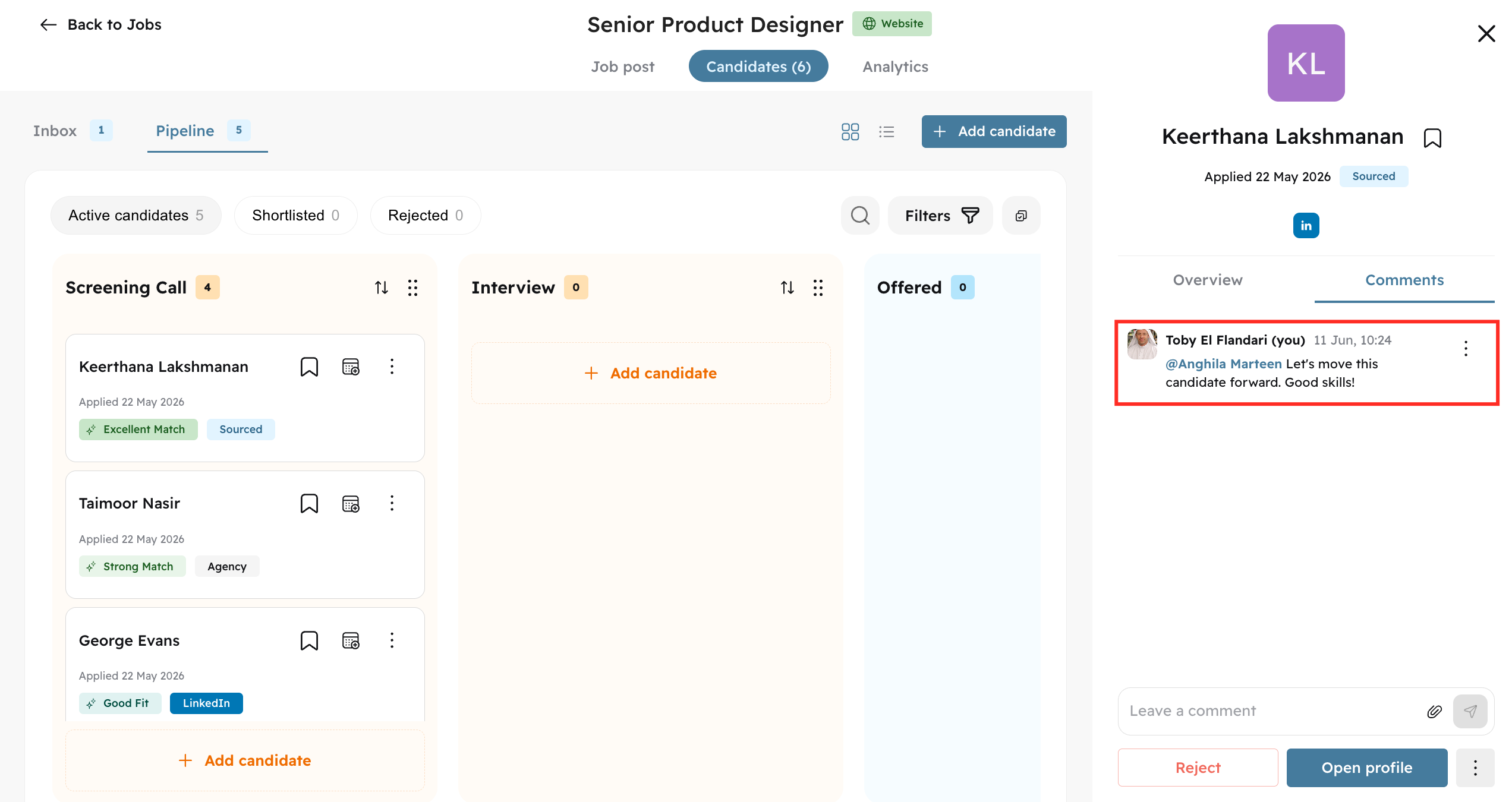
Job-specific comments are available only for the team members who are assigned to the job as Recruiters or Hiring Managers.